




Updating Existing Items from Head Office to Branches
16 Feb 2026 · 02:34 PM
0 views
Updating existing items from the Head Office to branches allows you to modify product details such as prices, names, or settings and distribute the updated information to selected Store Branches. This ensures consistency and centralized control across all locations without recreating items.
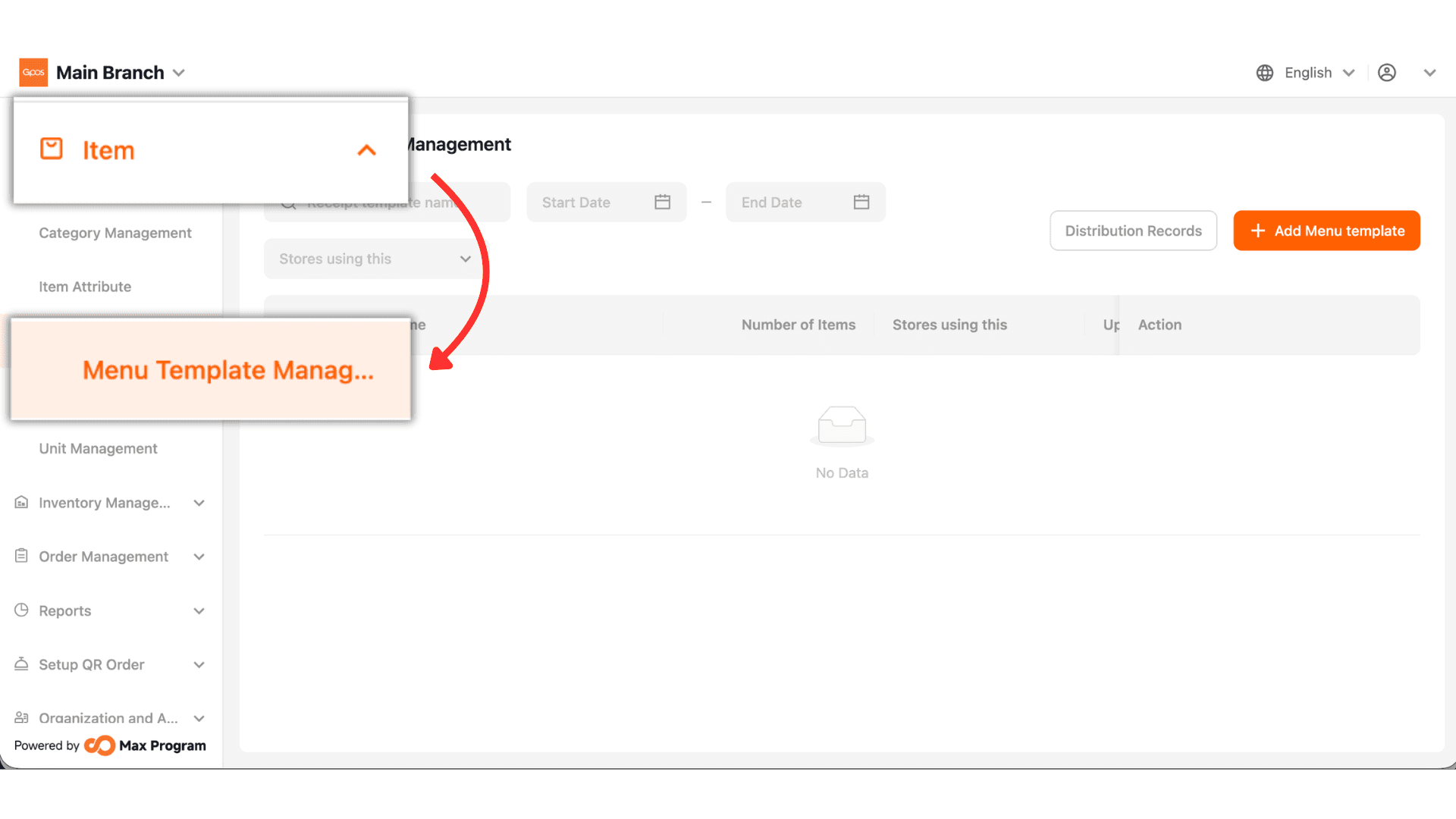
1. Click Item > Menu Template Management
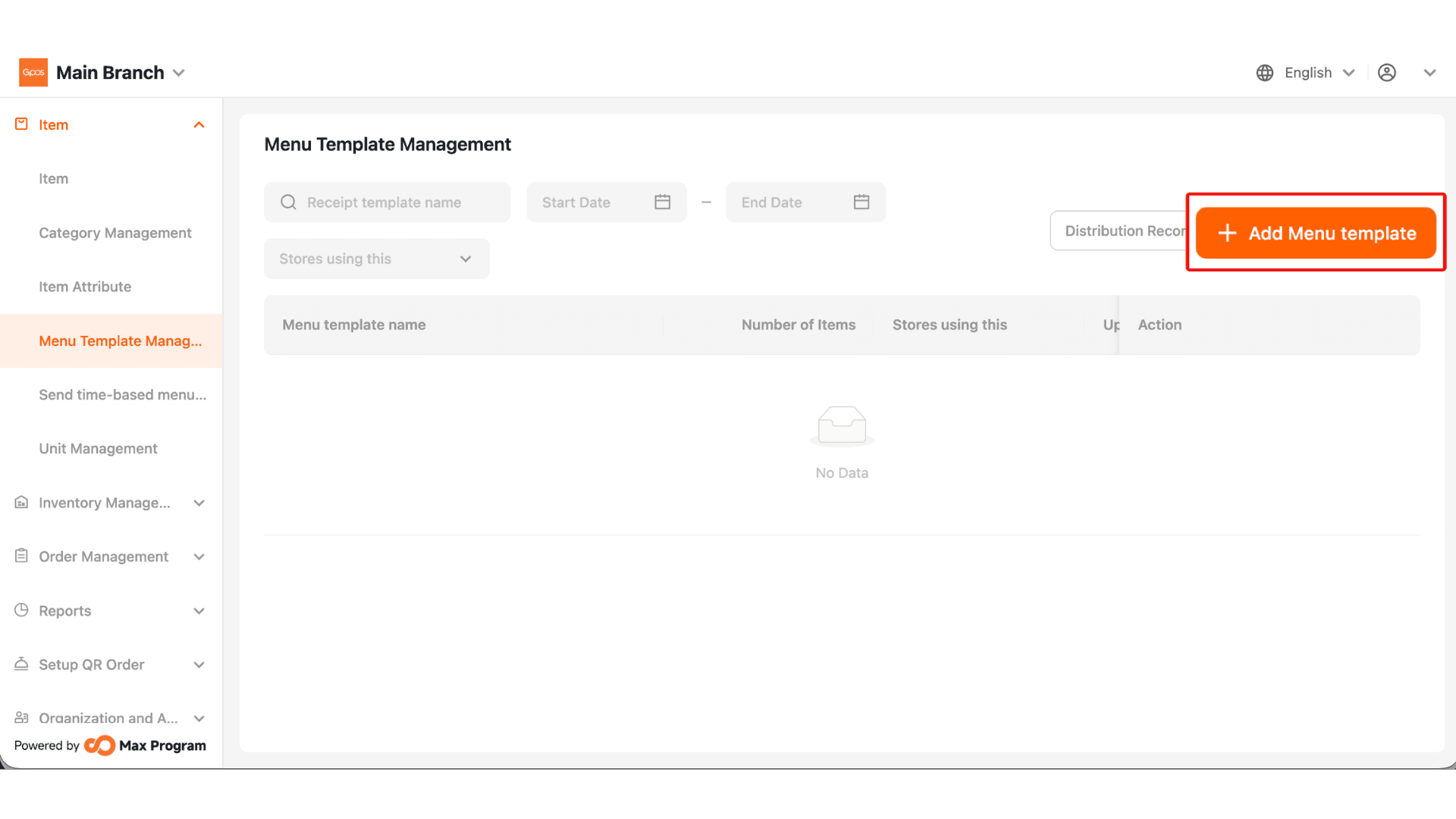
2. Click +Add Menu template
3. Set Template Name
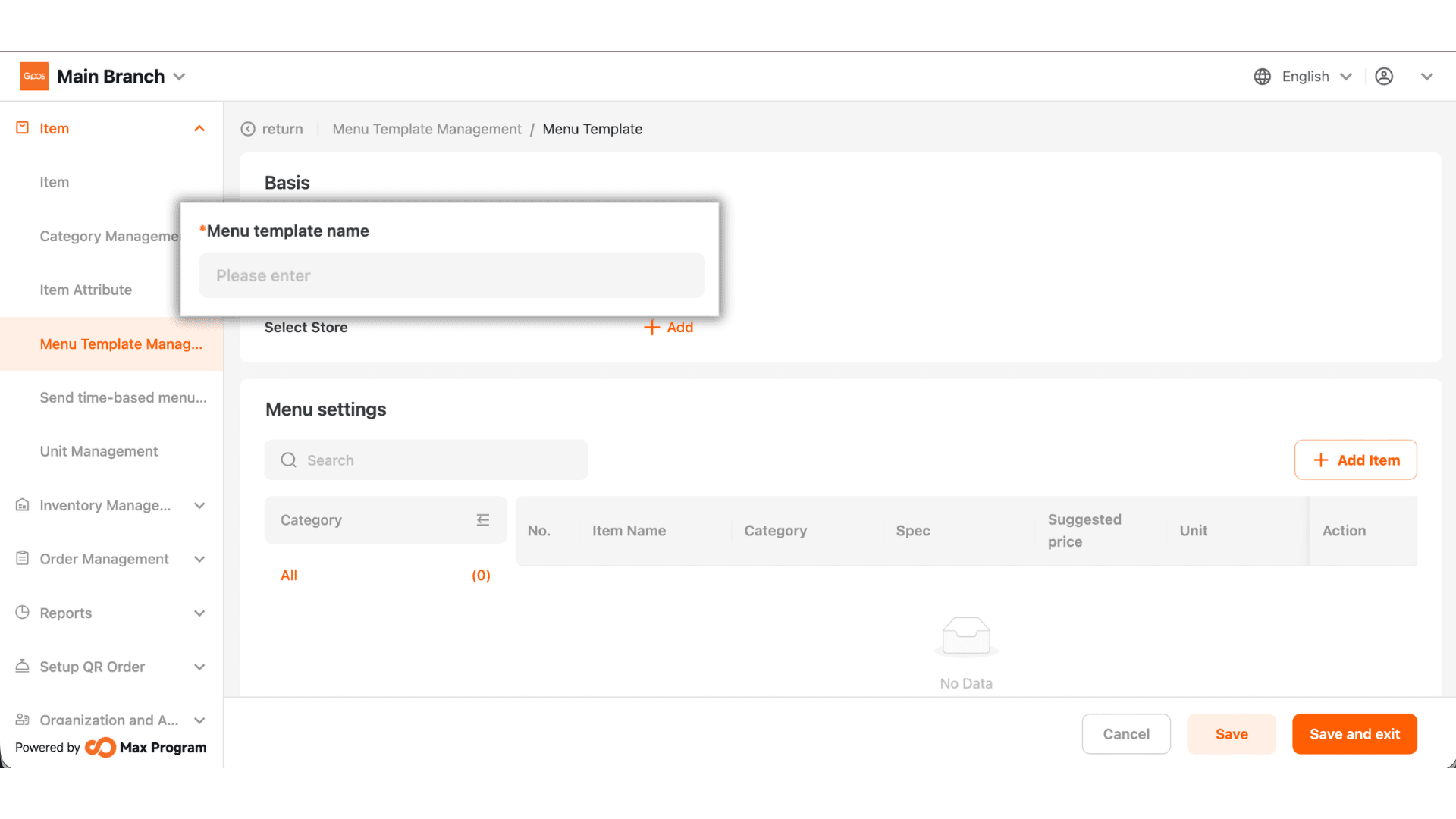
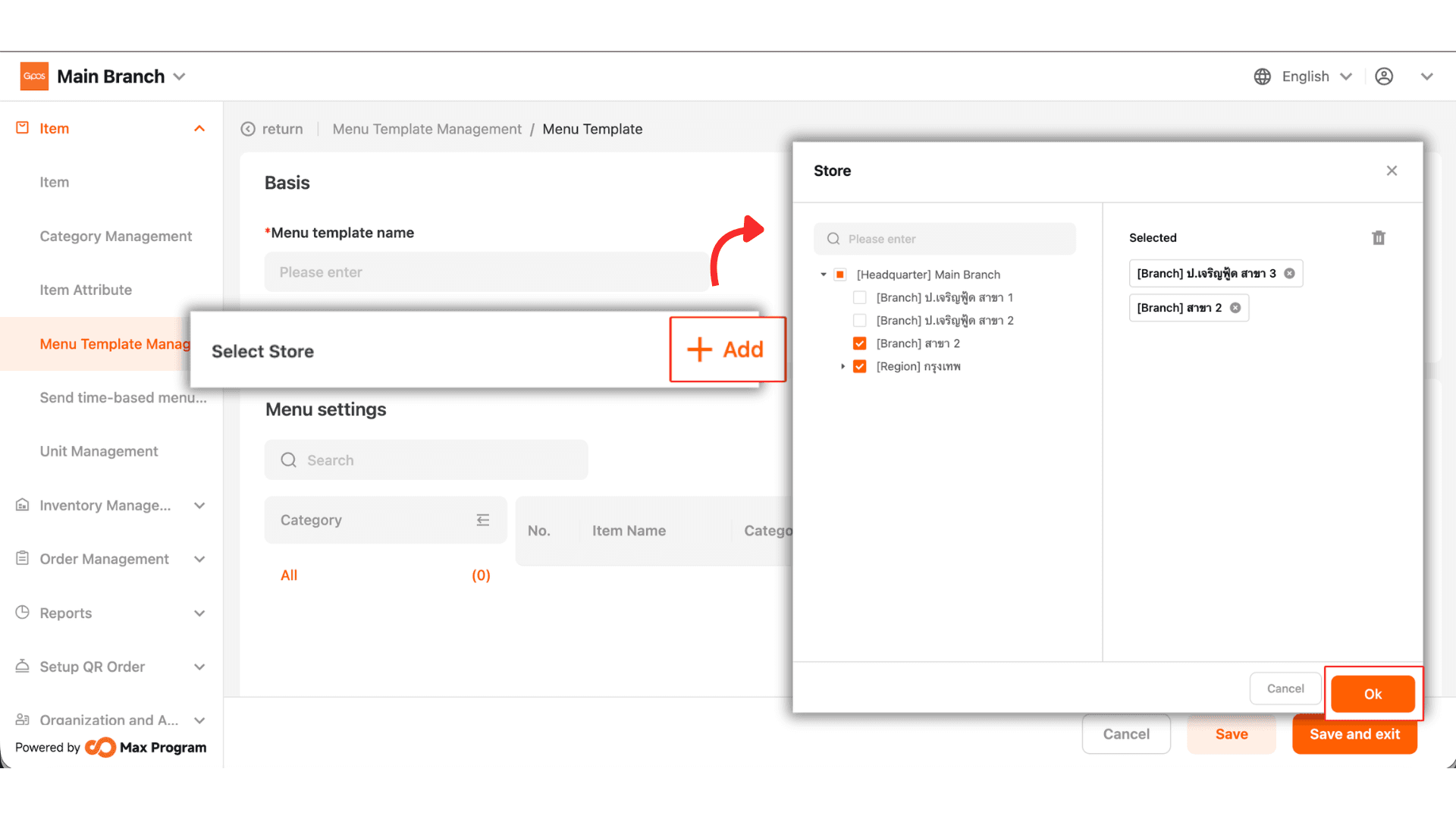
4. Select the store branch to export the selected items to that branch.
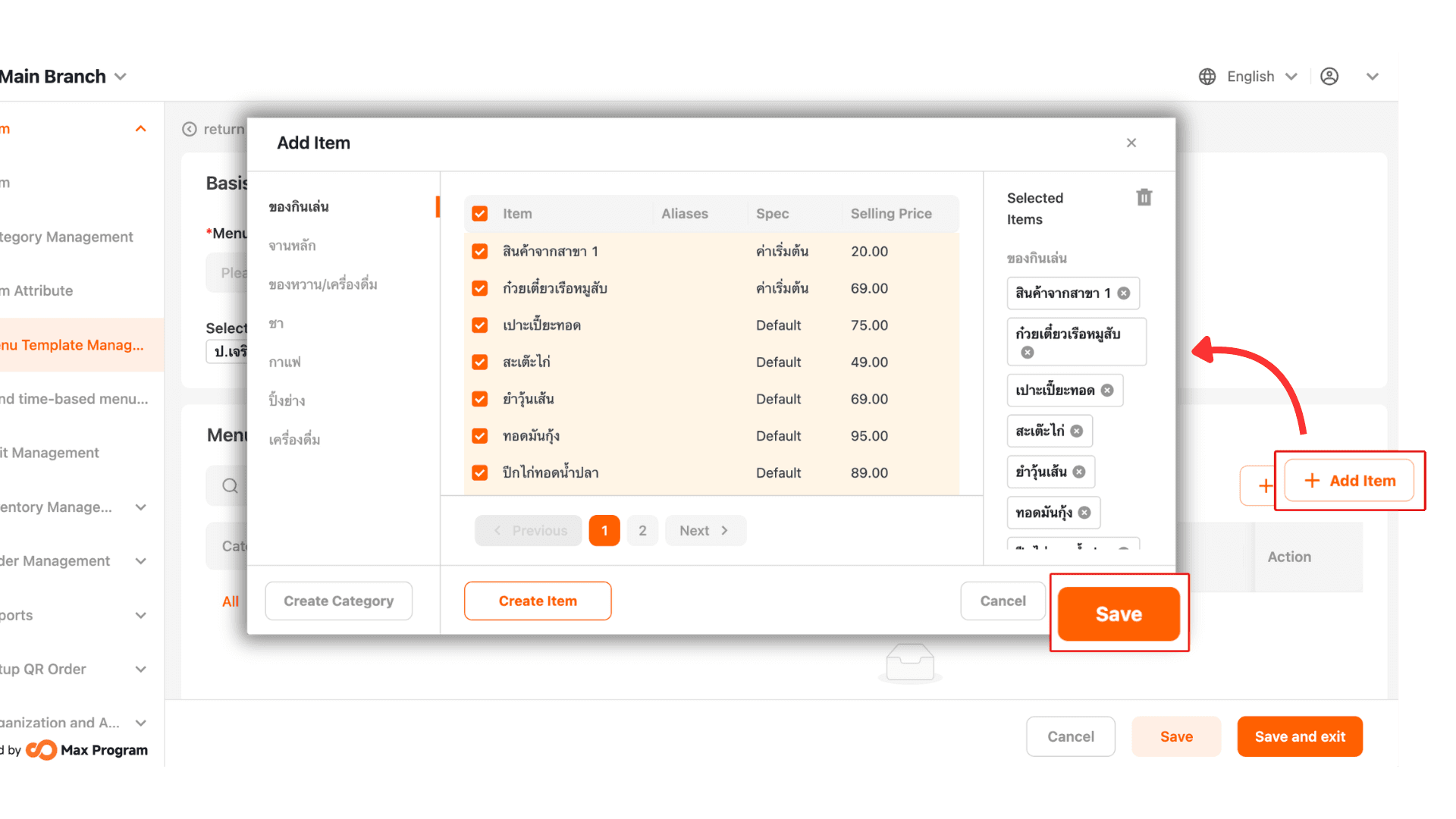
5. Add Items to select the desired products, then click Save.
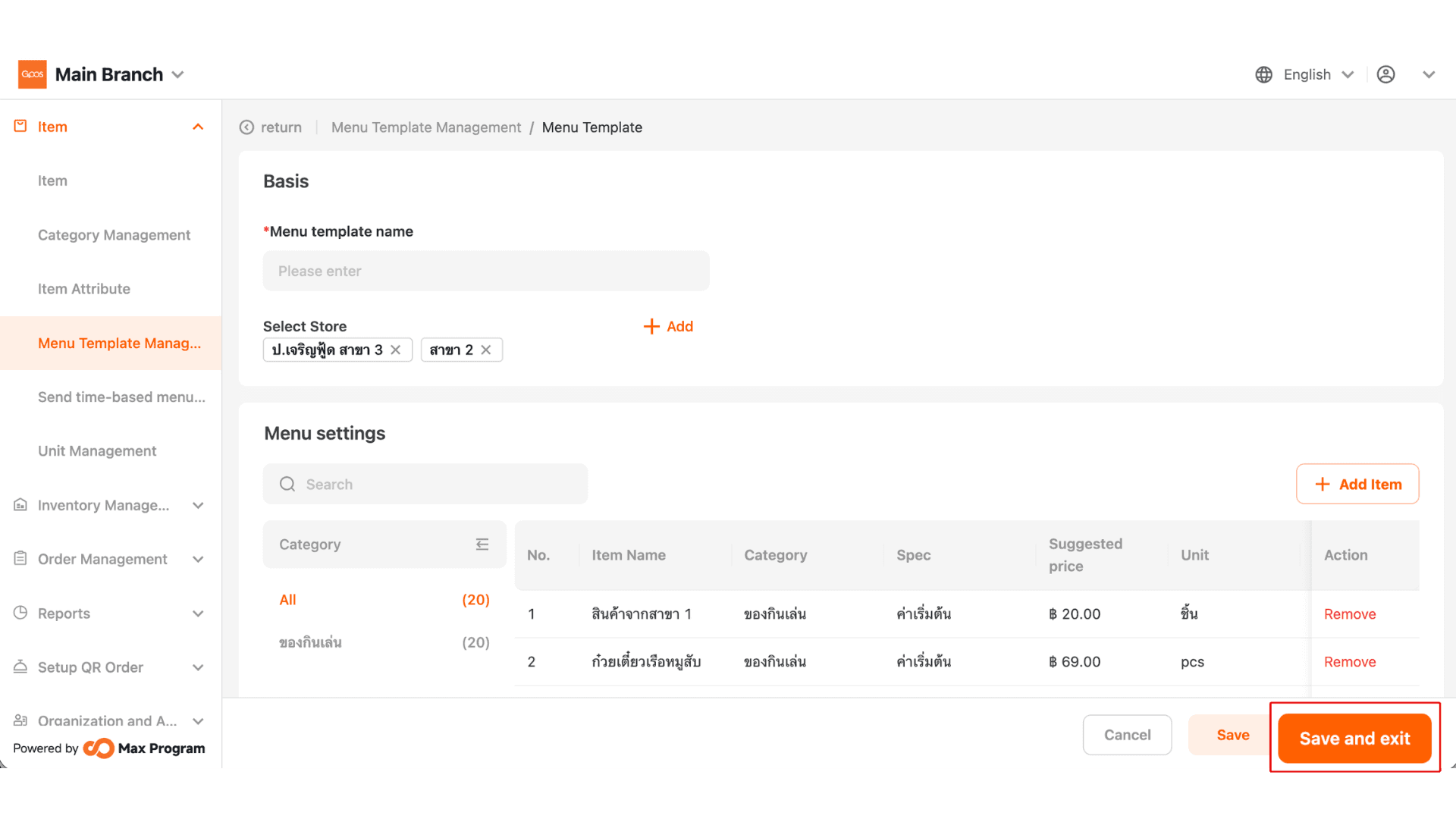
6. Click Save and Exit.
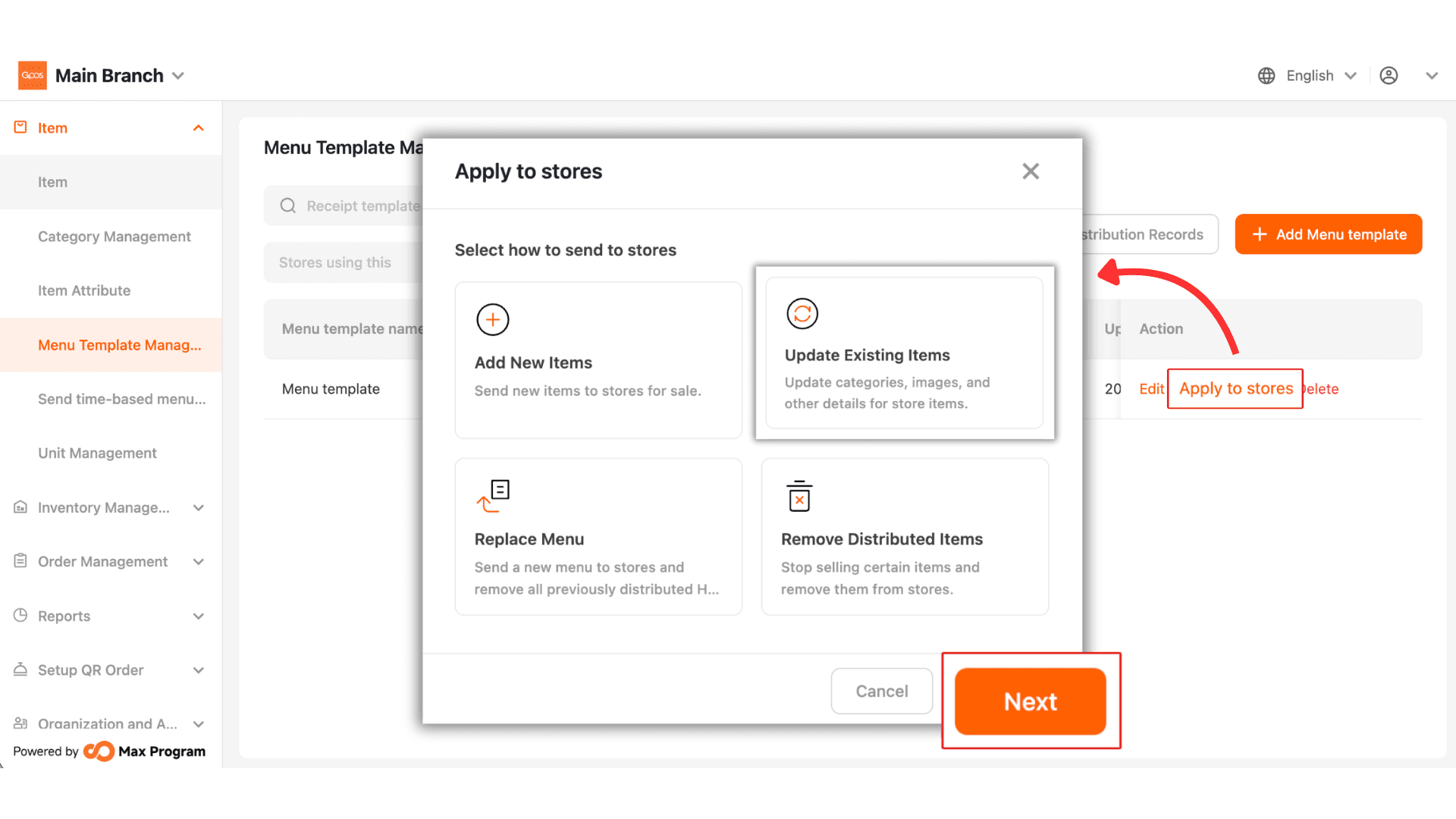
7. Click Apply to Store > Update Existing Itams then click Next.
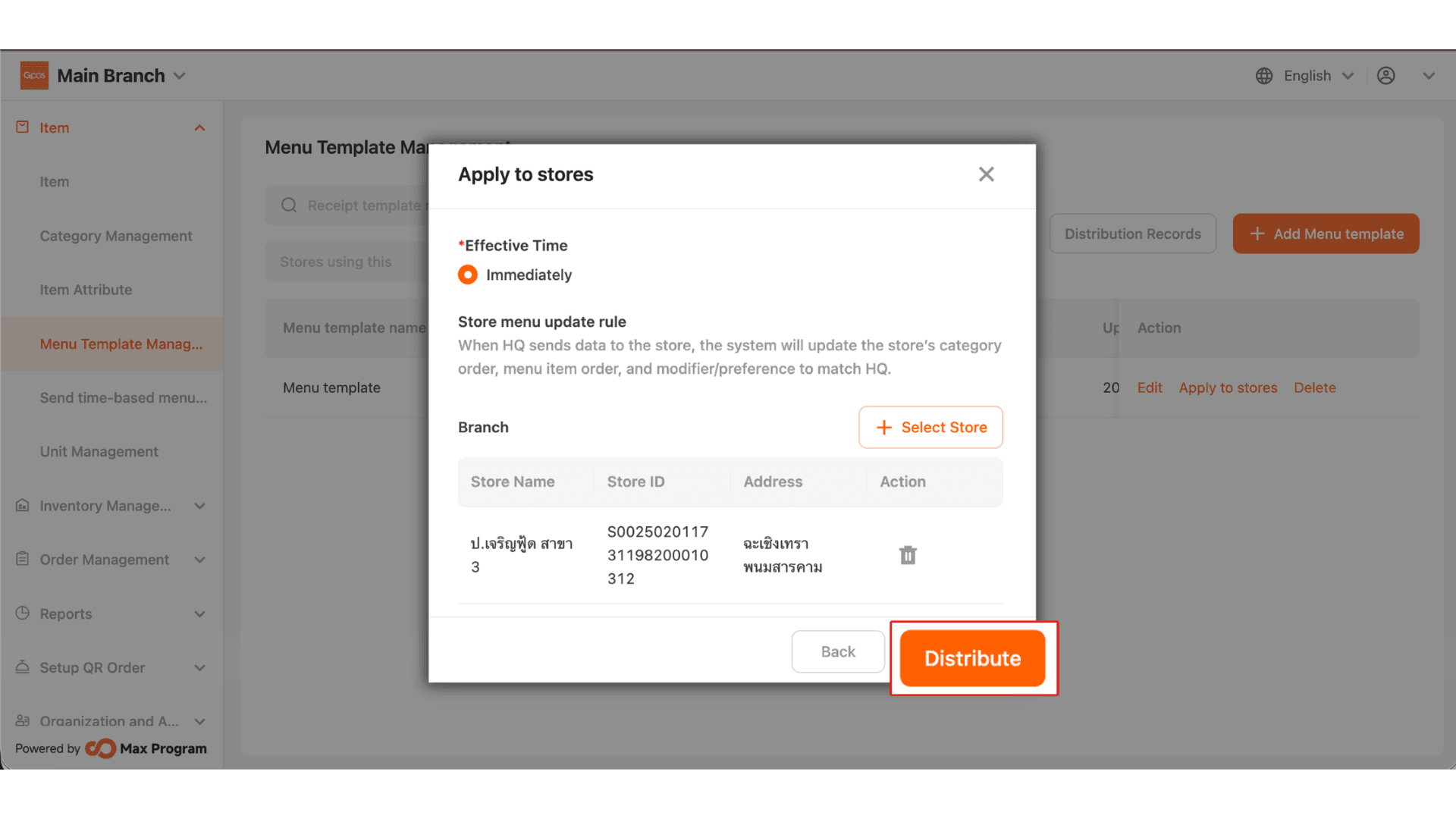
8.Verify the information, then click Distribute.
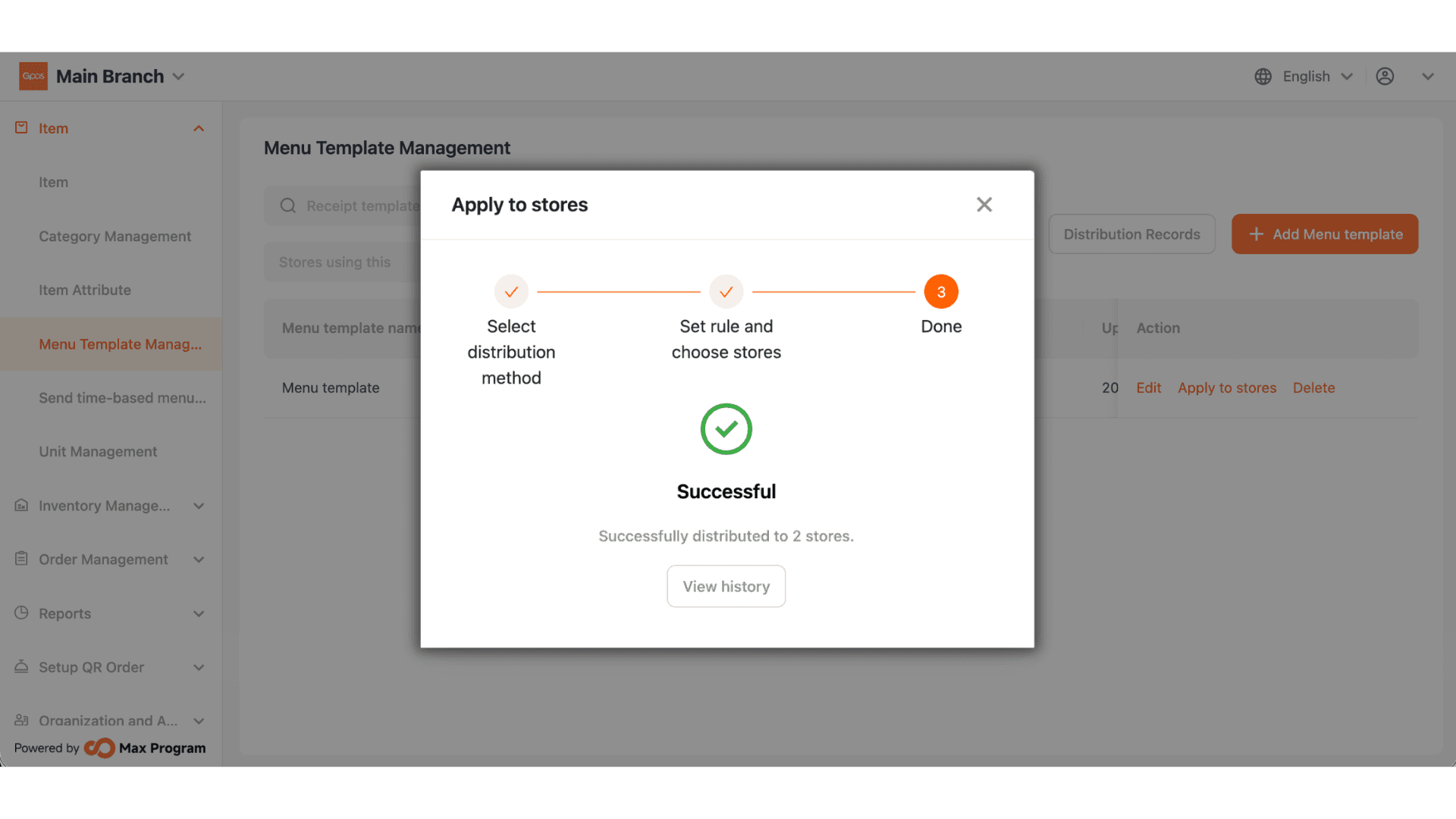
9.Wait until the process is completed successfully.