




How to View Reports via the Manager App
2 May 2026 · 02:10 PM
640 views
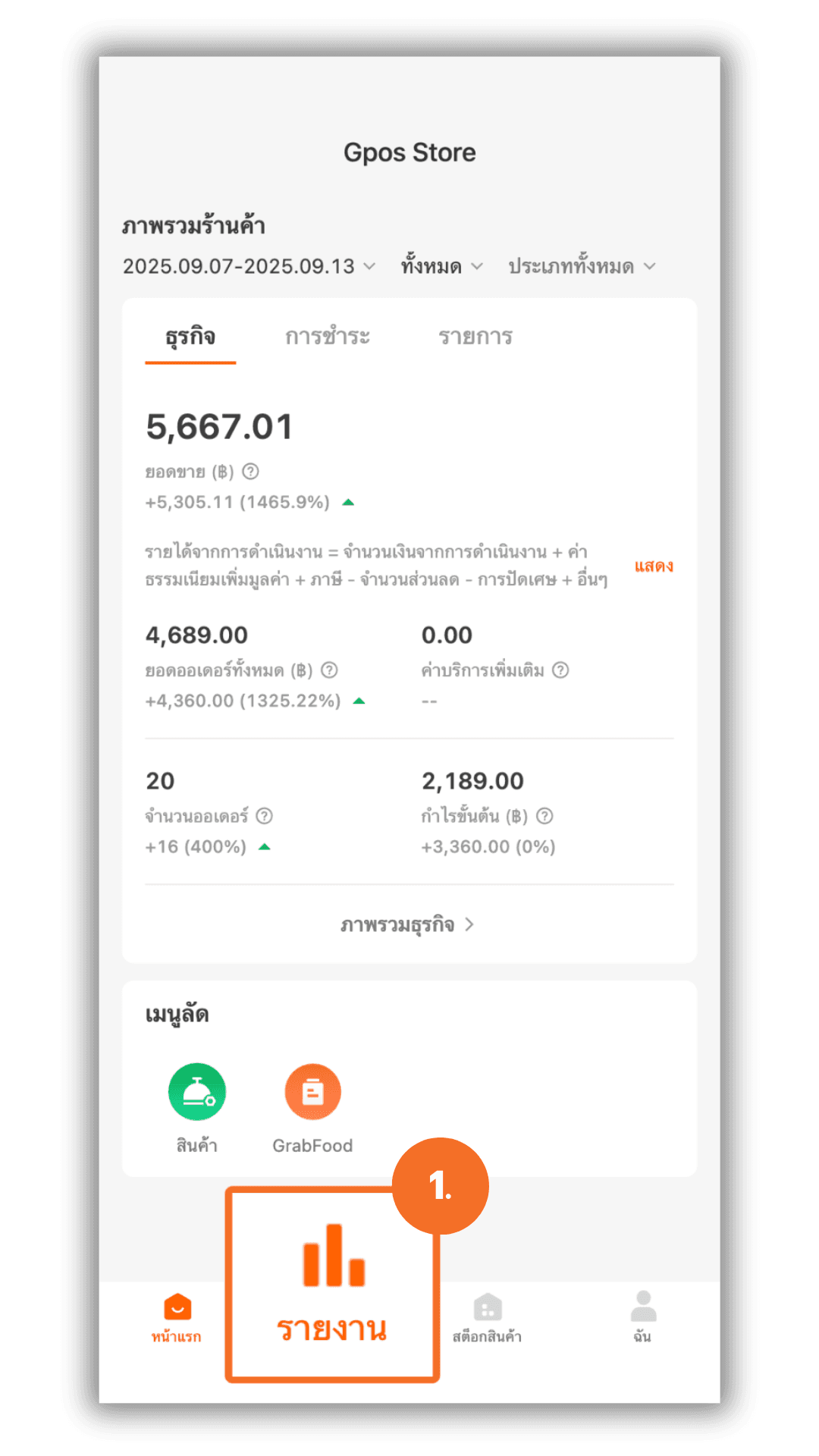
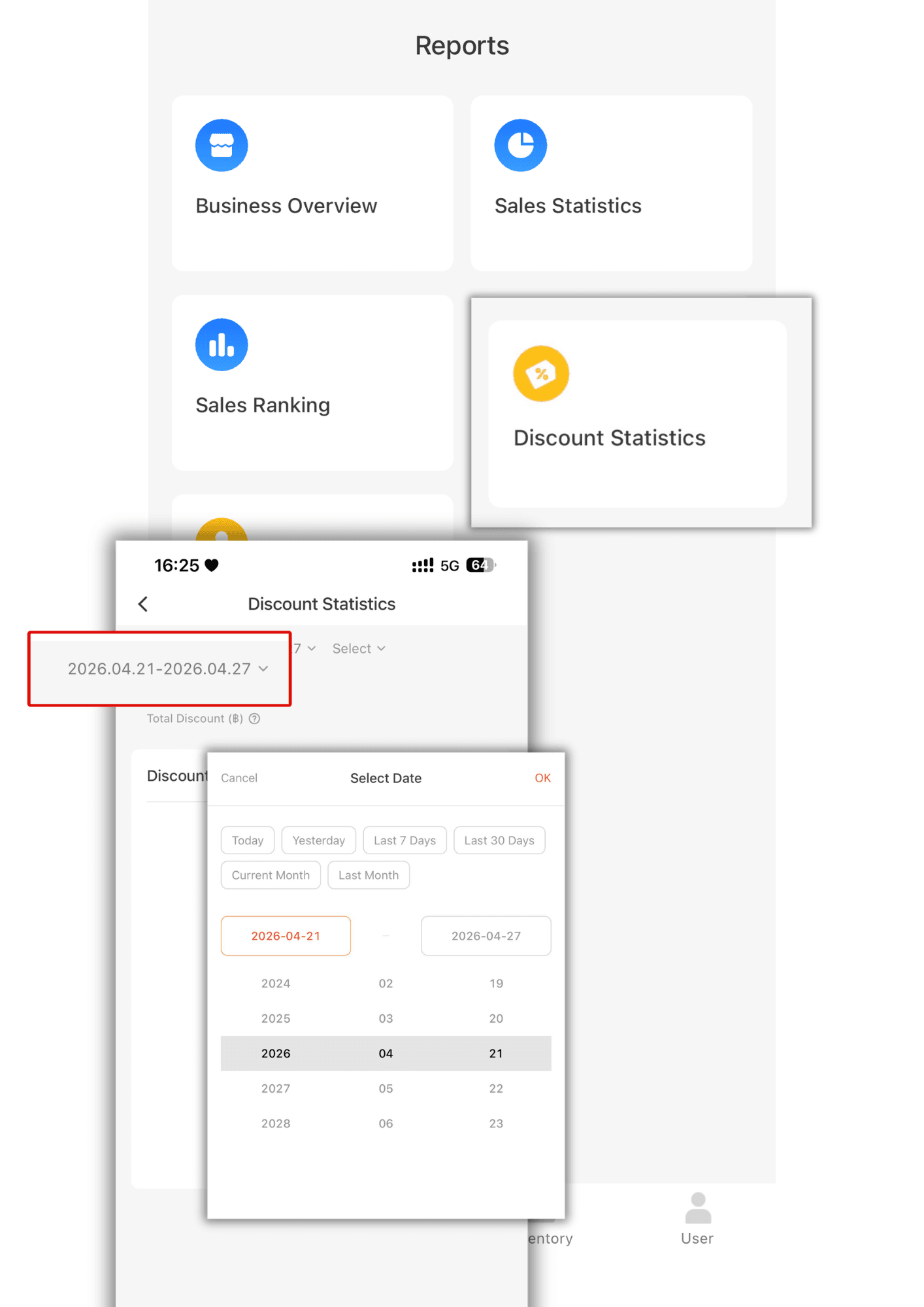
1.Click Reports.
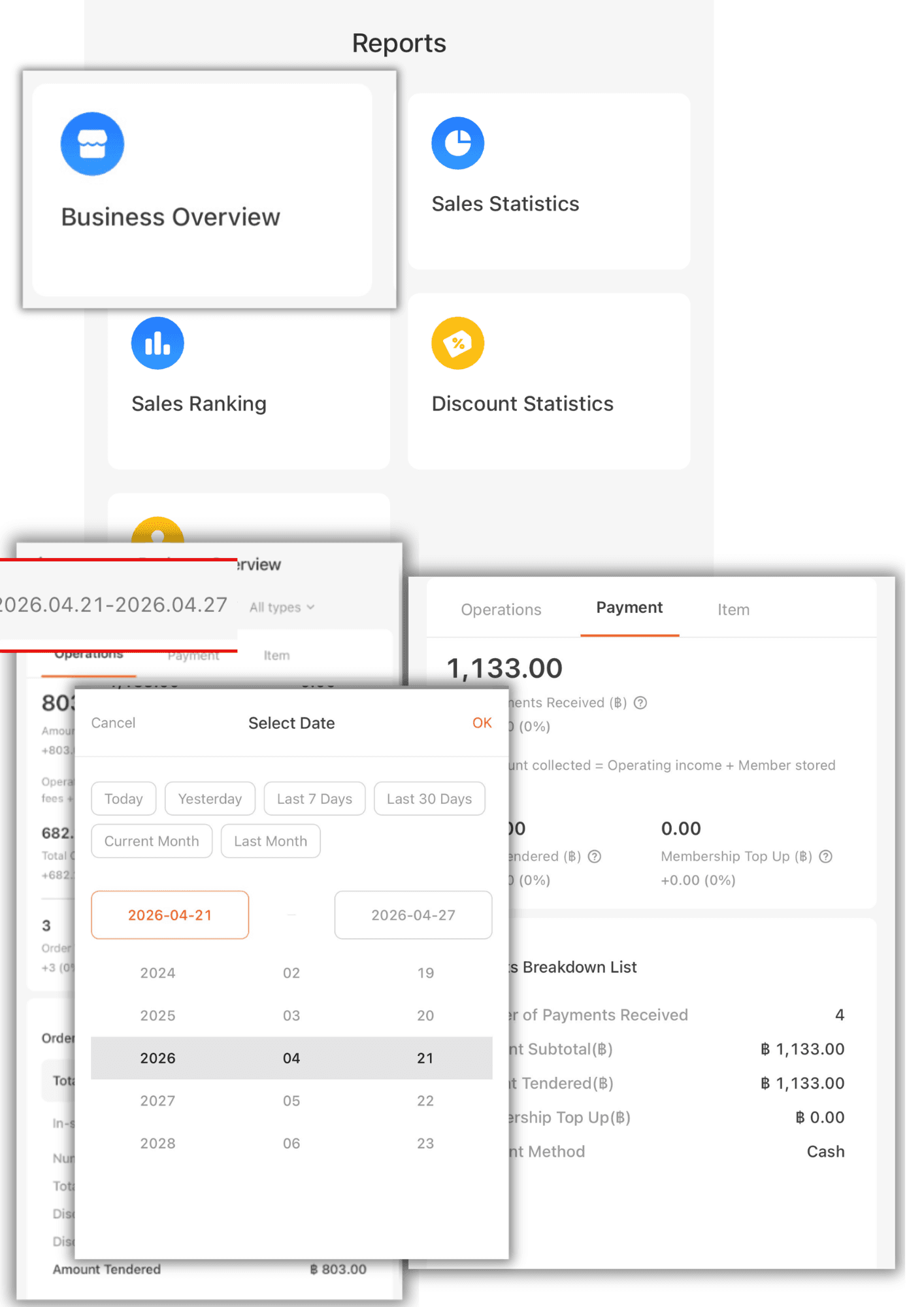
2. Business Overview: You can select the date and time to view sales, business performance, payments, and items.
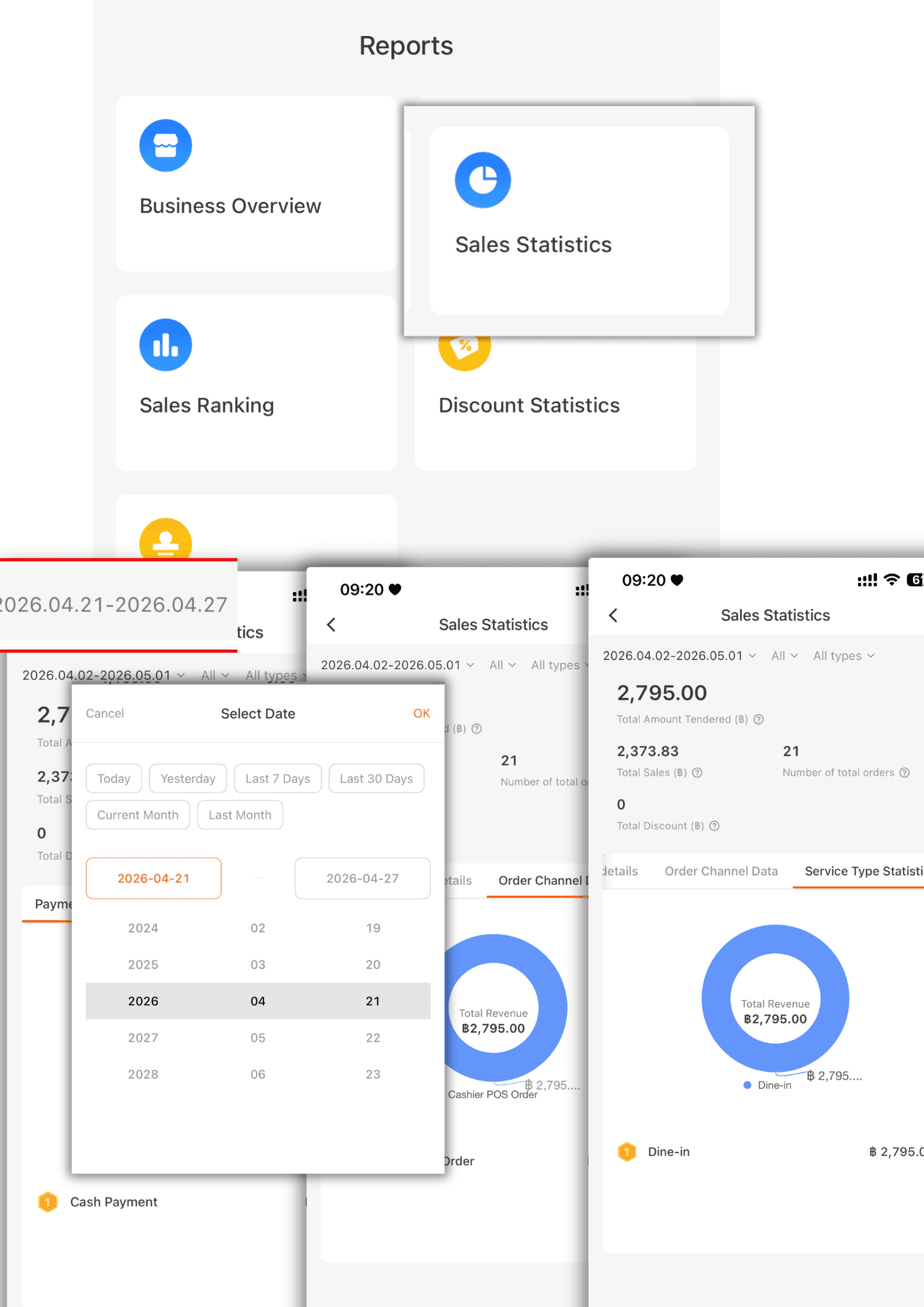
3. Sales Statistics: You can select the date and time to view sales, payment methods, ordering channels, and management category statistics.
4. Discount Statistics: You can select the date and time to view discount totals and filter by employee.
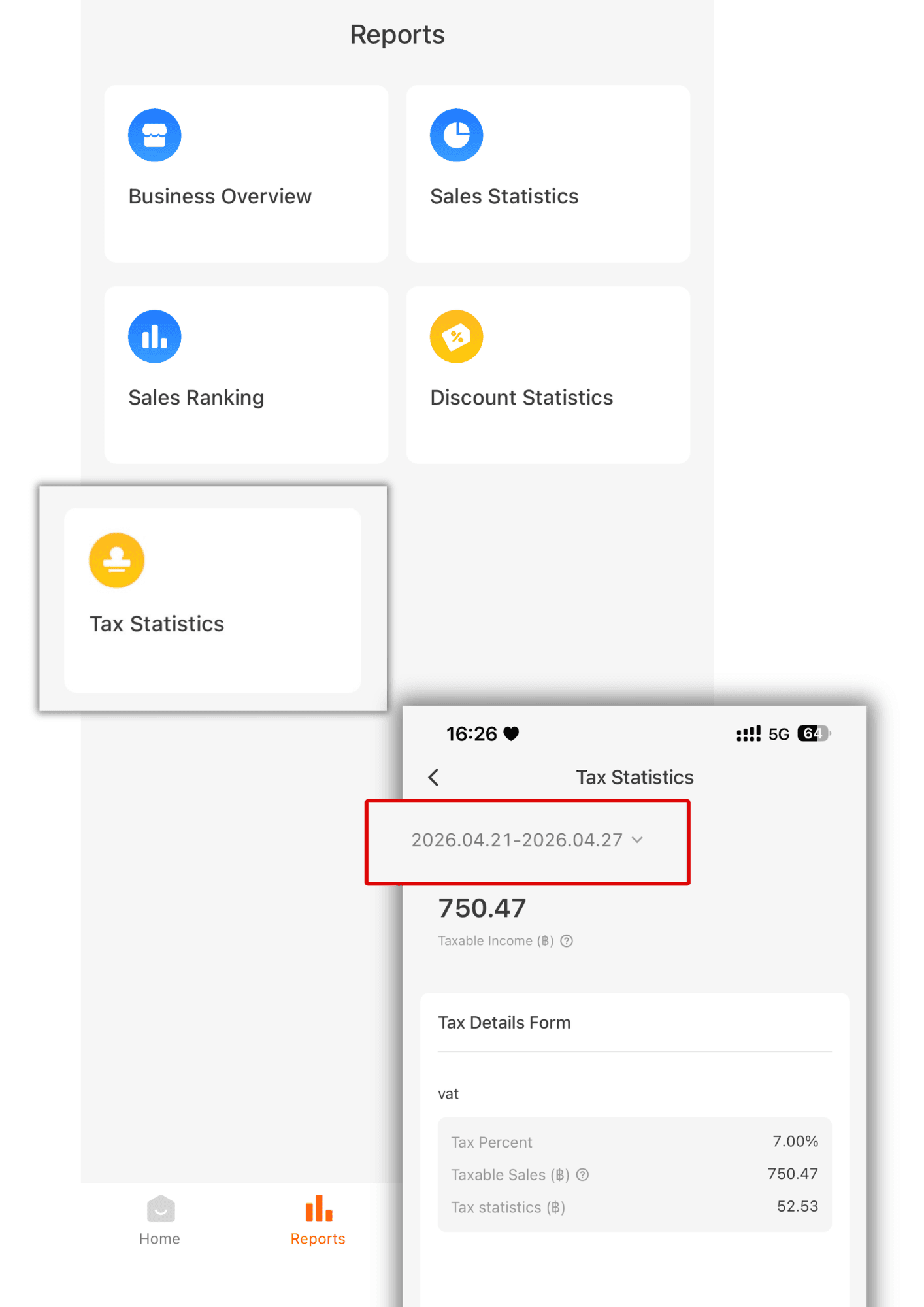
5. Tax Statistics: You can select the date and time to view tax totals.