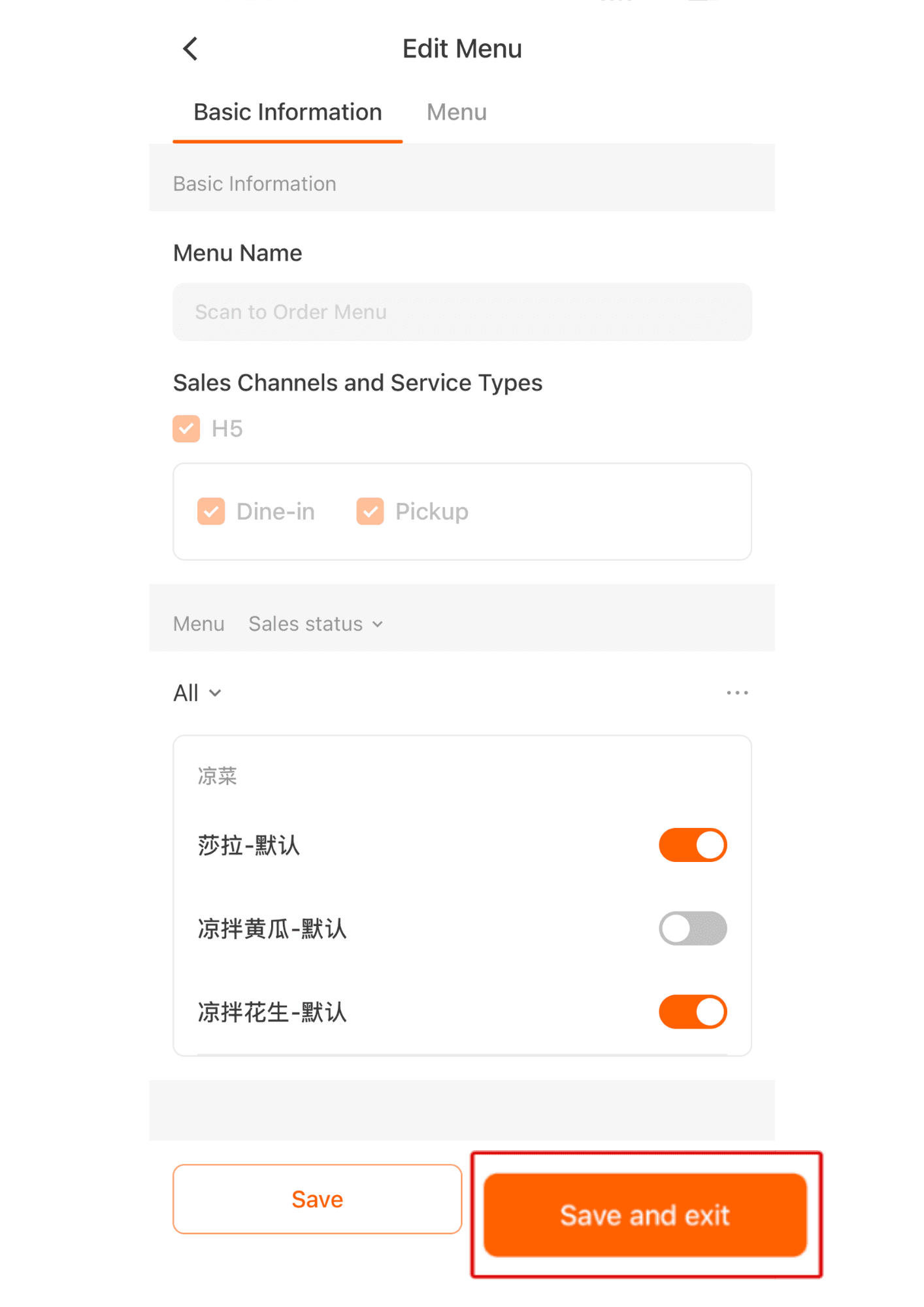





Managing the Scan system via Manager App
1 May 2026 · 12:01 PM
273 views
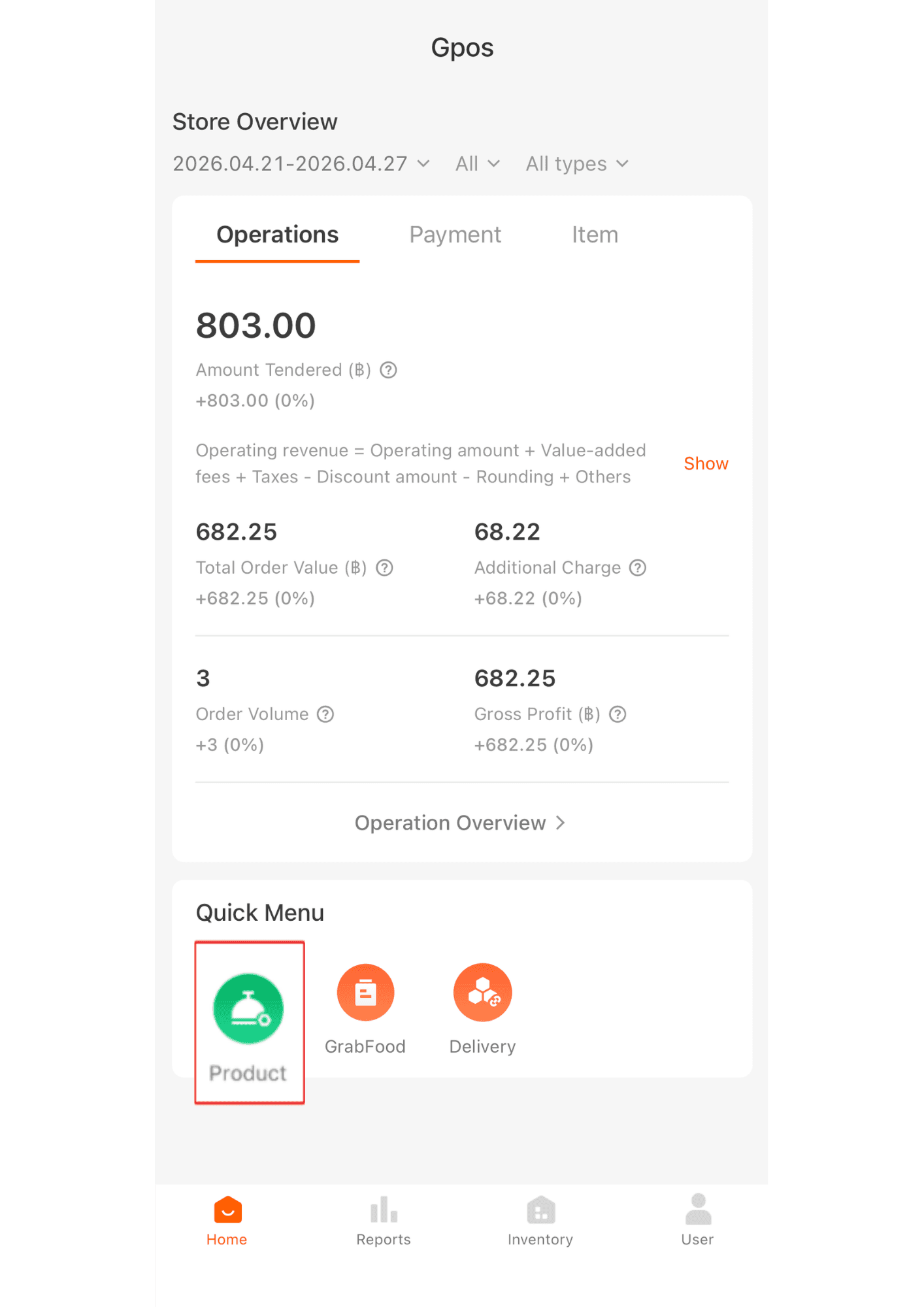
1. Click “Products.”
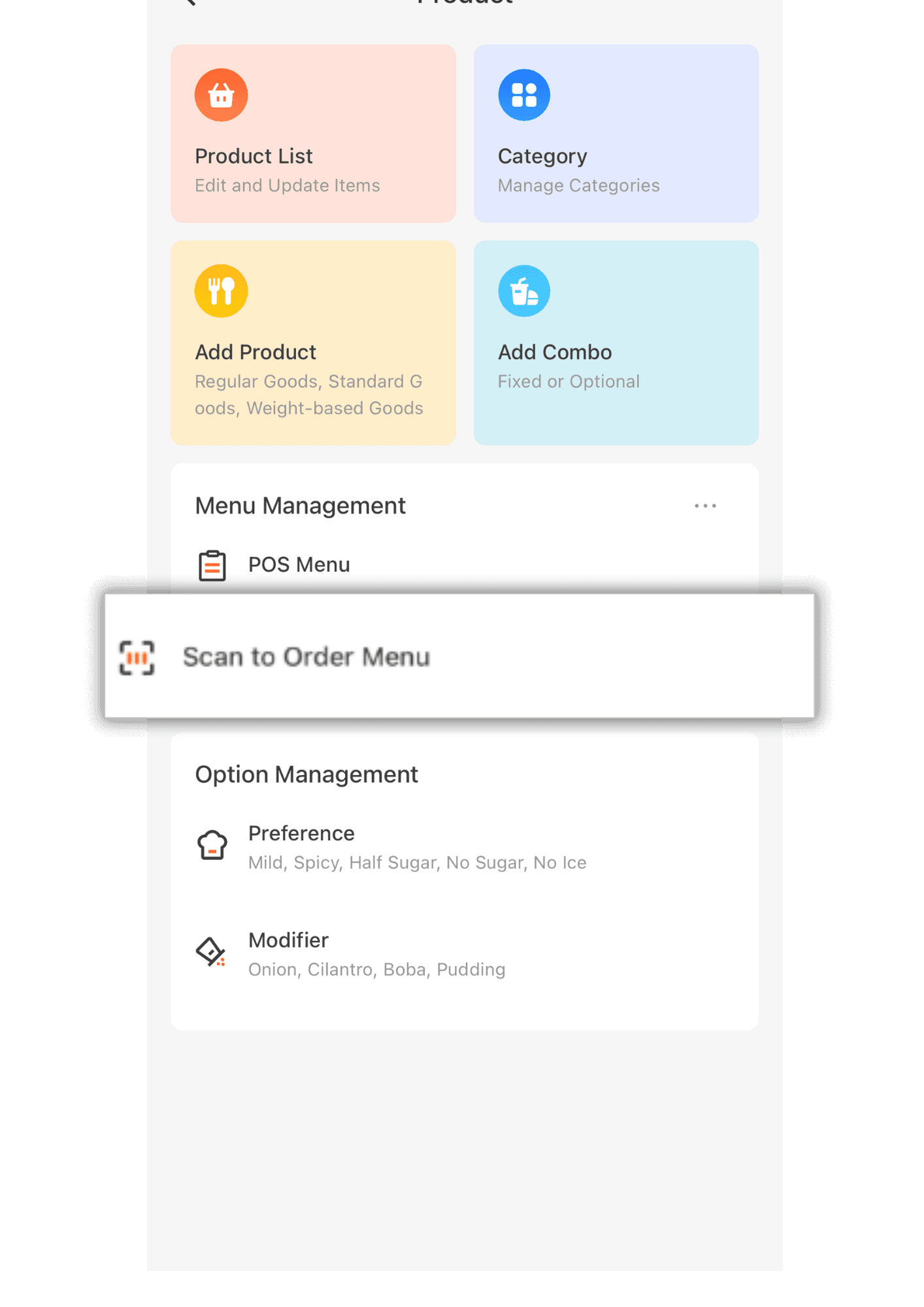
2. Click "Scan to Order Menu"
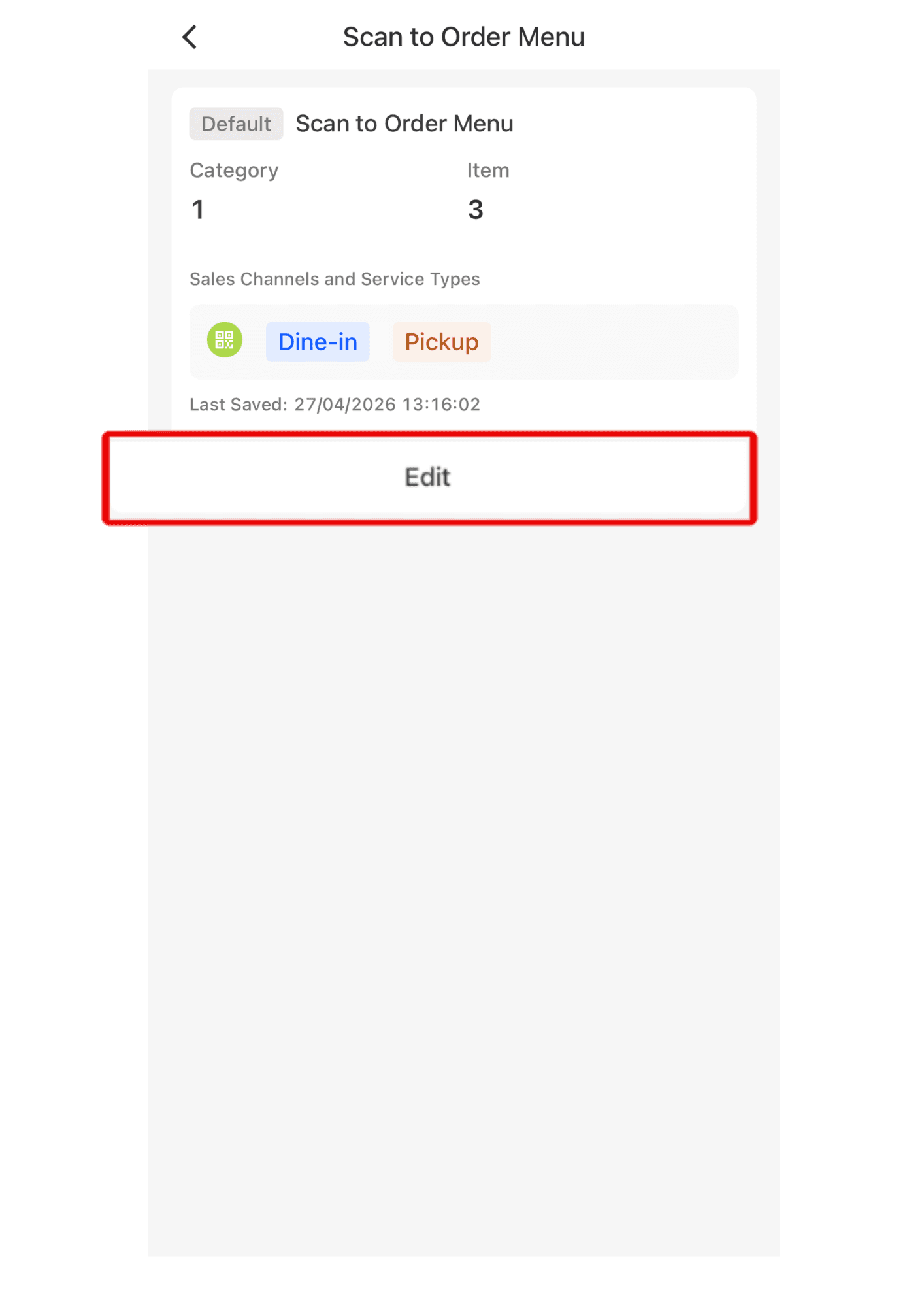
3. Click Edit
4. Tap ... to select “Bulk Show” and enable multiple items to be displayed on the Scan system at once. If you select “Bulk Hide,” the items will be hidden from the system.
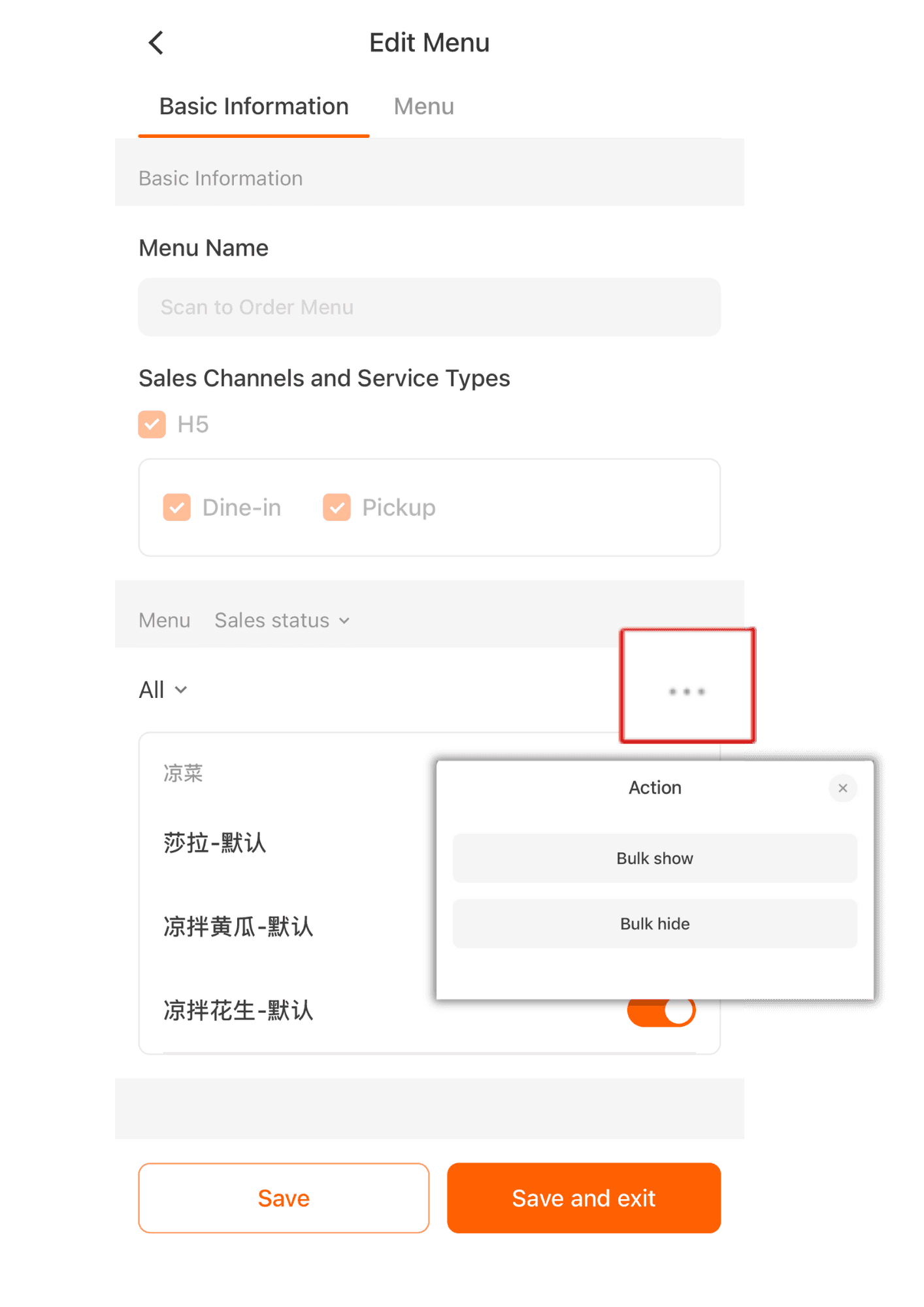
5. After selecting one of the options, choose the product items you want, then press “Save.”
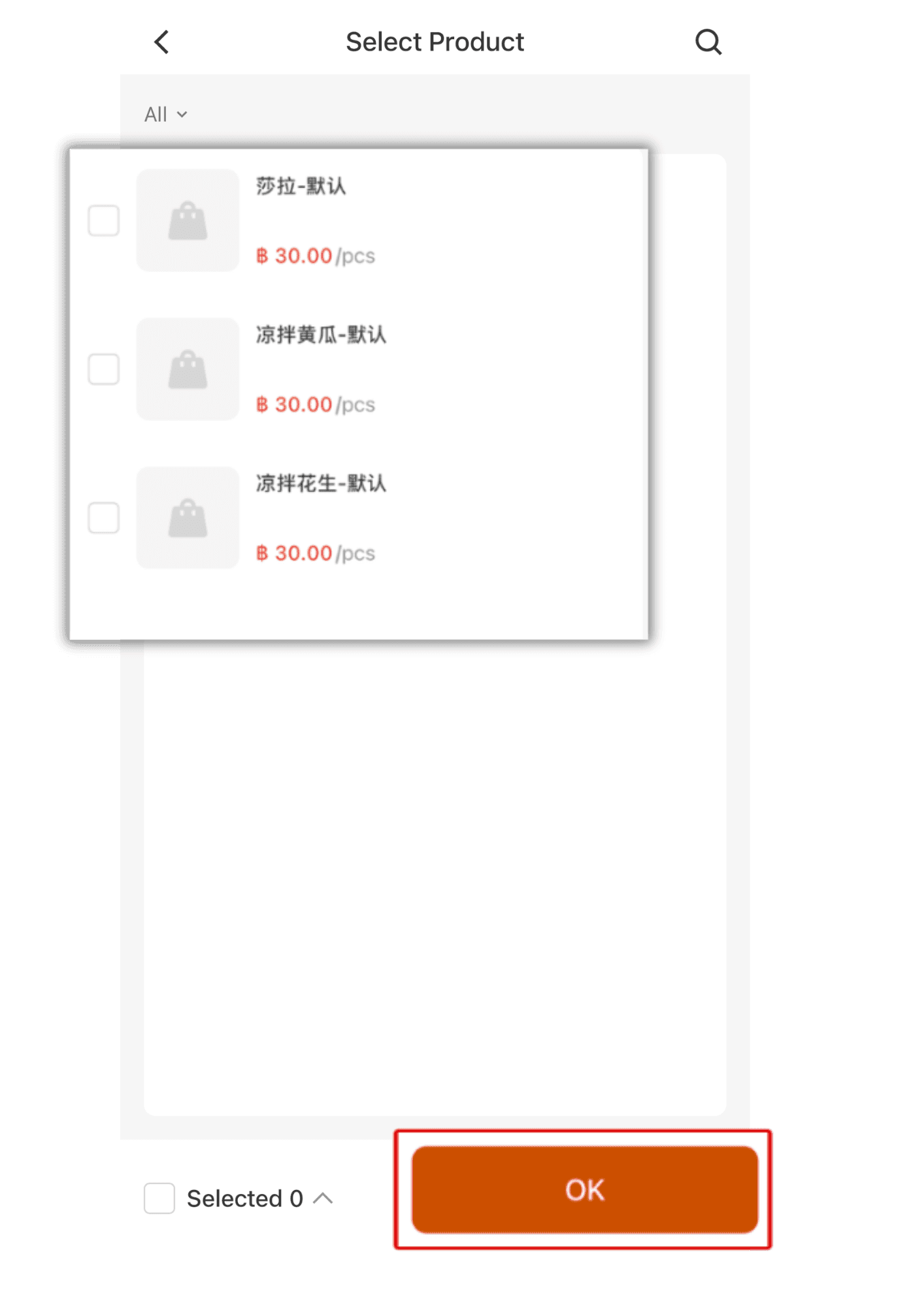
6. Then the items will be shown or hidden depending on the option you selected. Once completed, press “Save and Exit.”