




Open-close GRABFOOD stores via Manager App
1 May 2026 · 10:28 AM
457 views
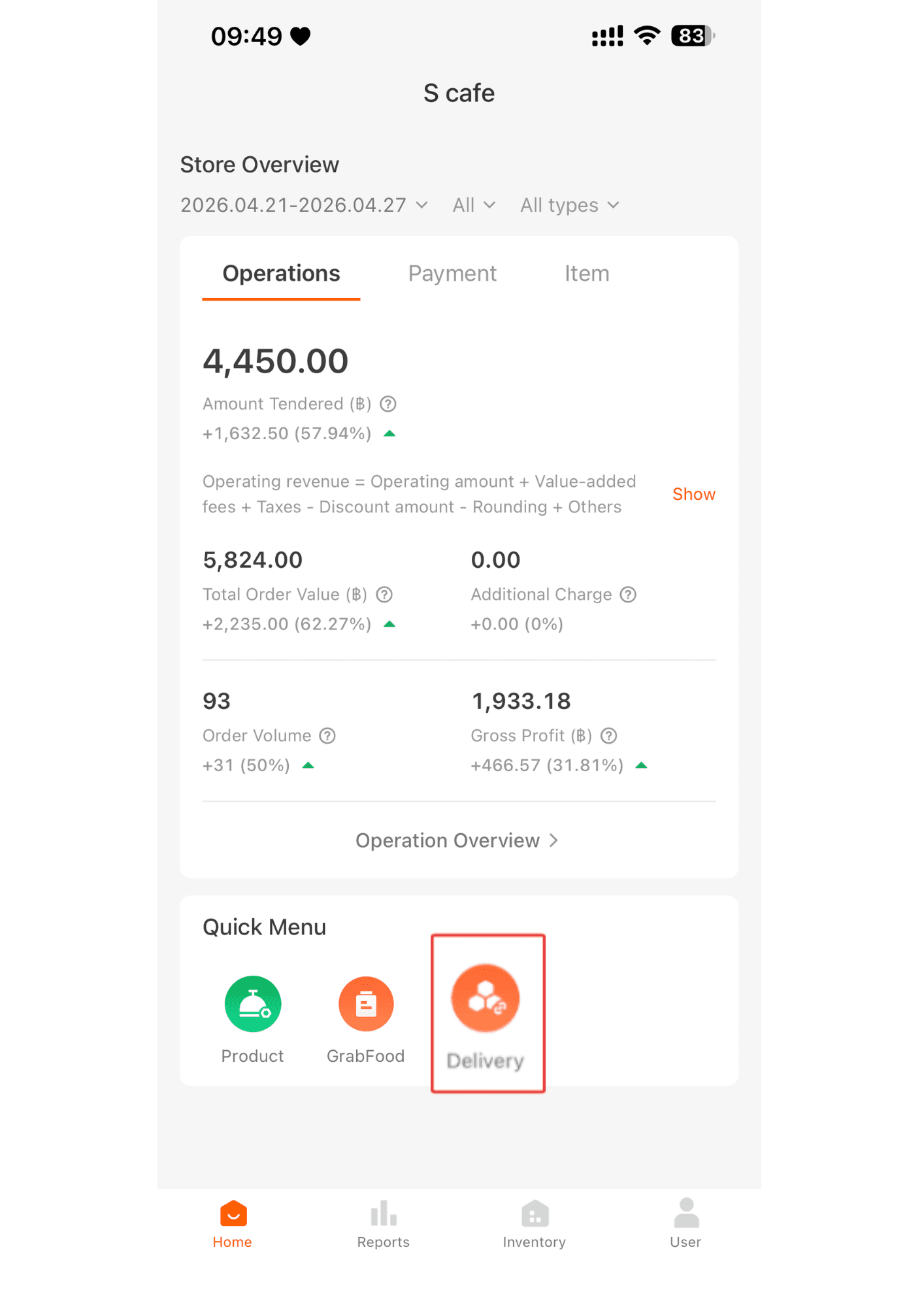
1. Click Delivey
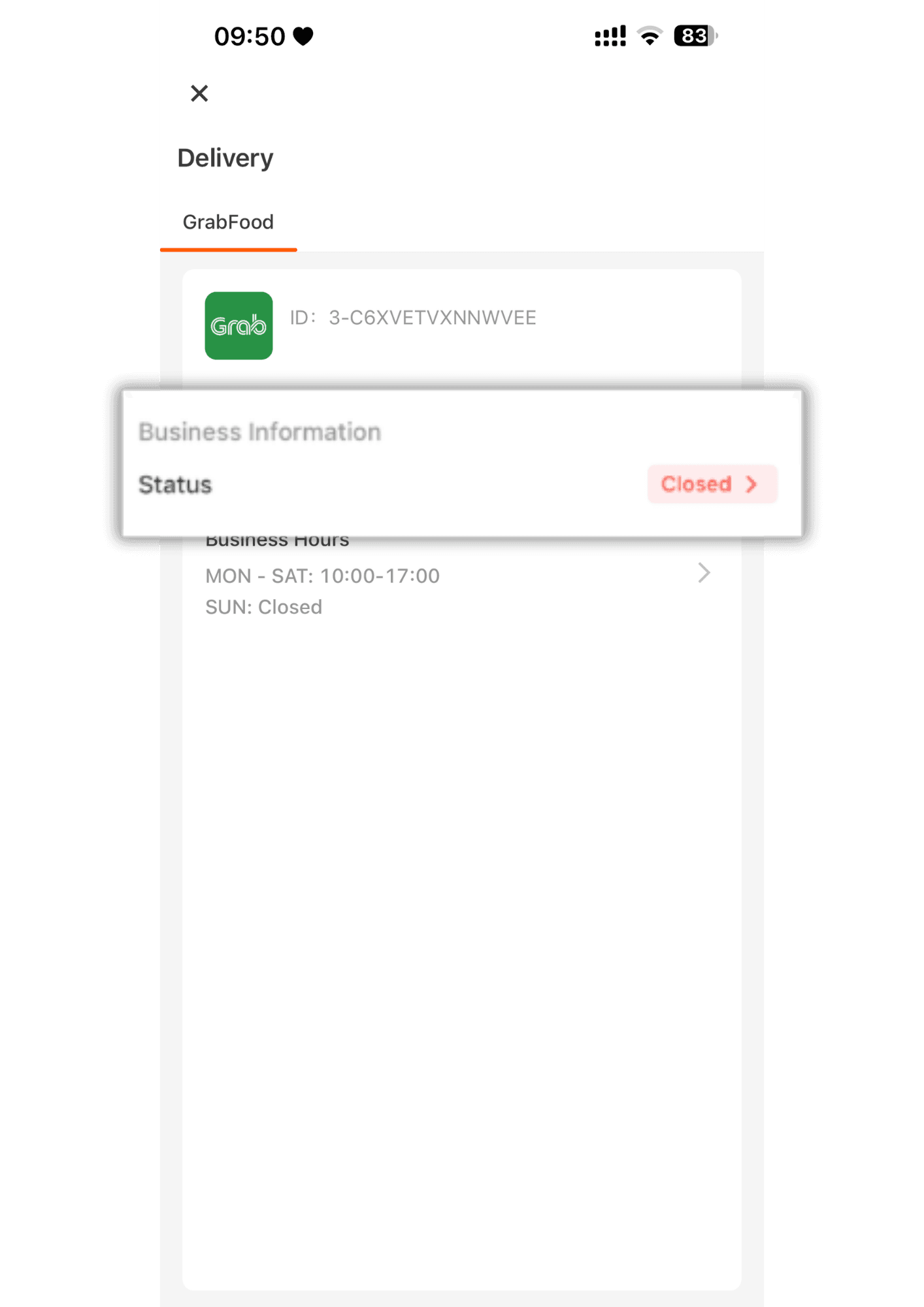
2.Tap “Status” to open or close the store.
>>> If the store is currently closed, the system will show Open Store. If the store is currently open, the system will show Close Store.
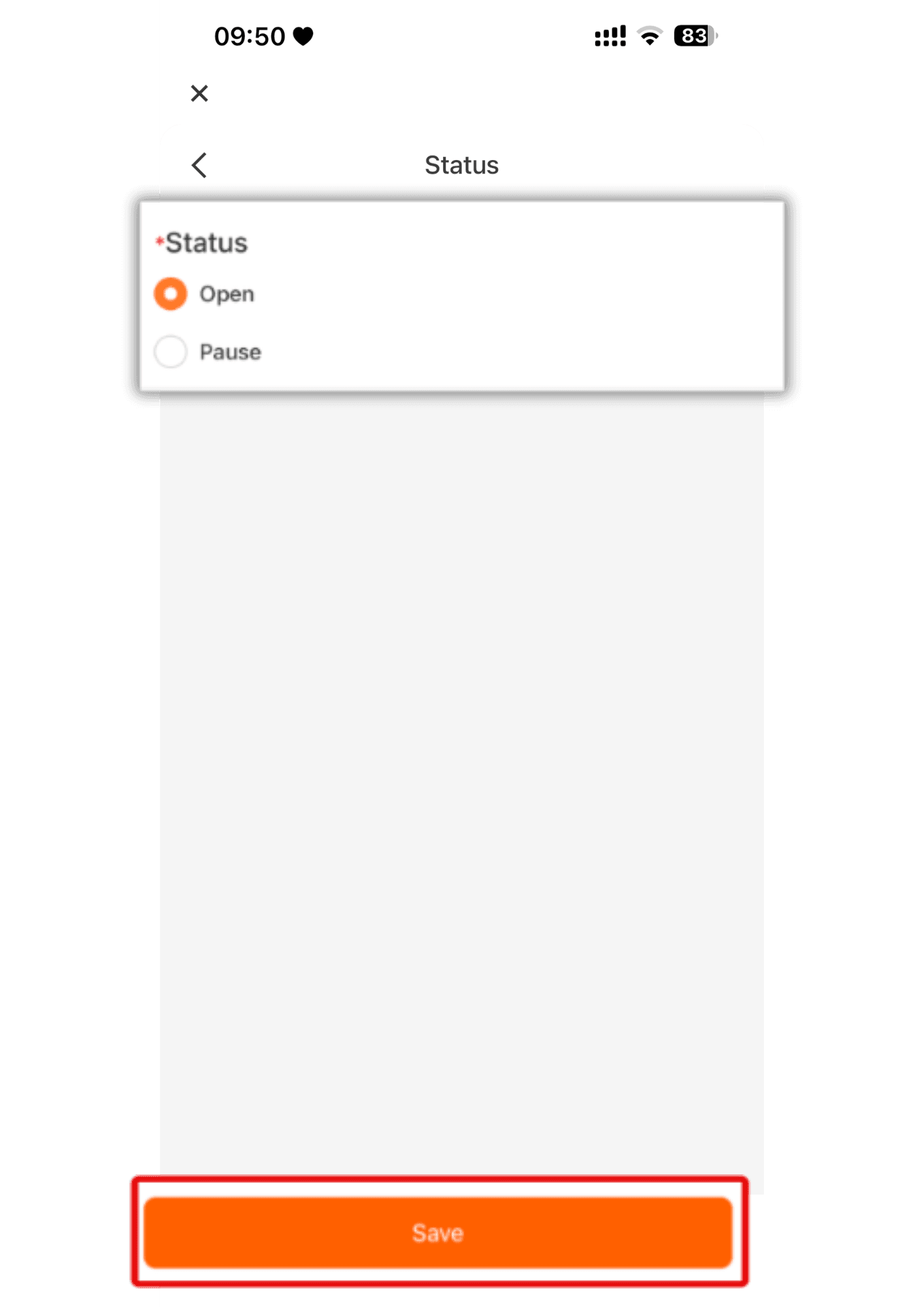
3. Tap “Store Status”, select “Open ” and press “Save.”
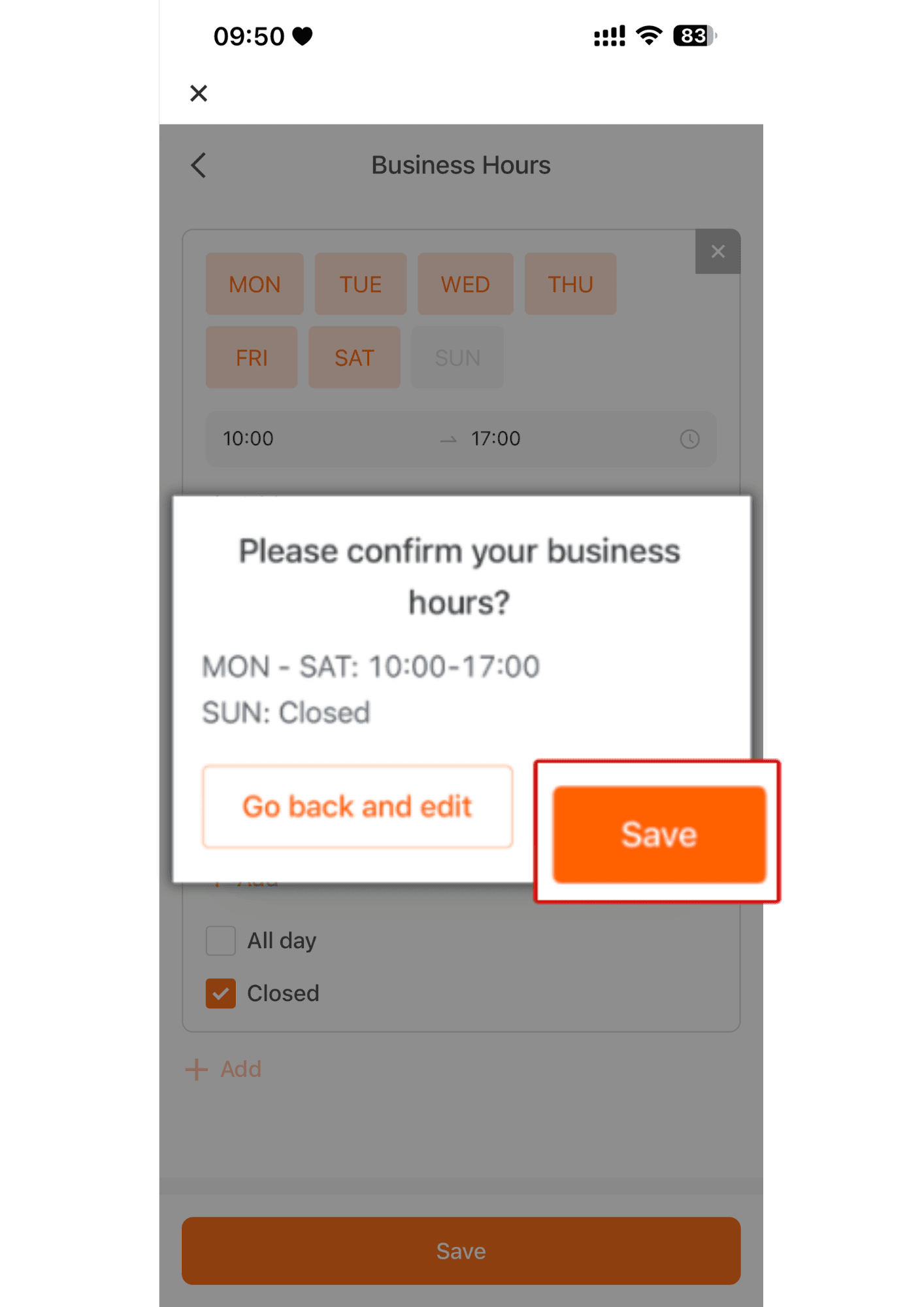
4. Tap “Business Hours.” The system allows you to set the dates and times to schedule the store’s opening and closing according to your preferred days and hours.
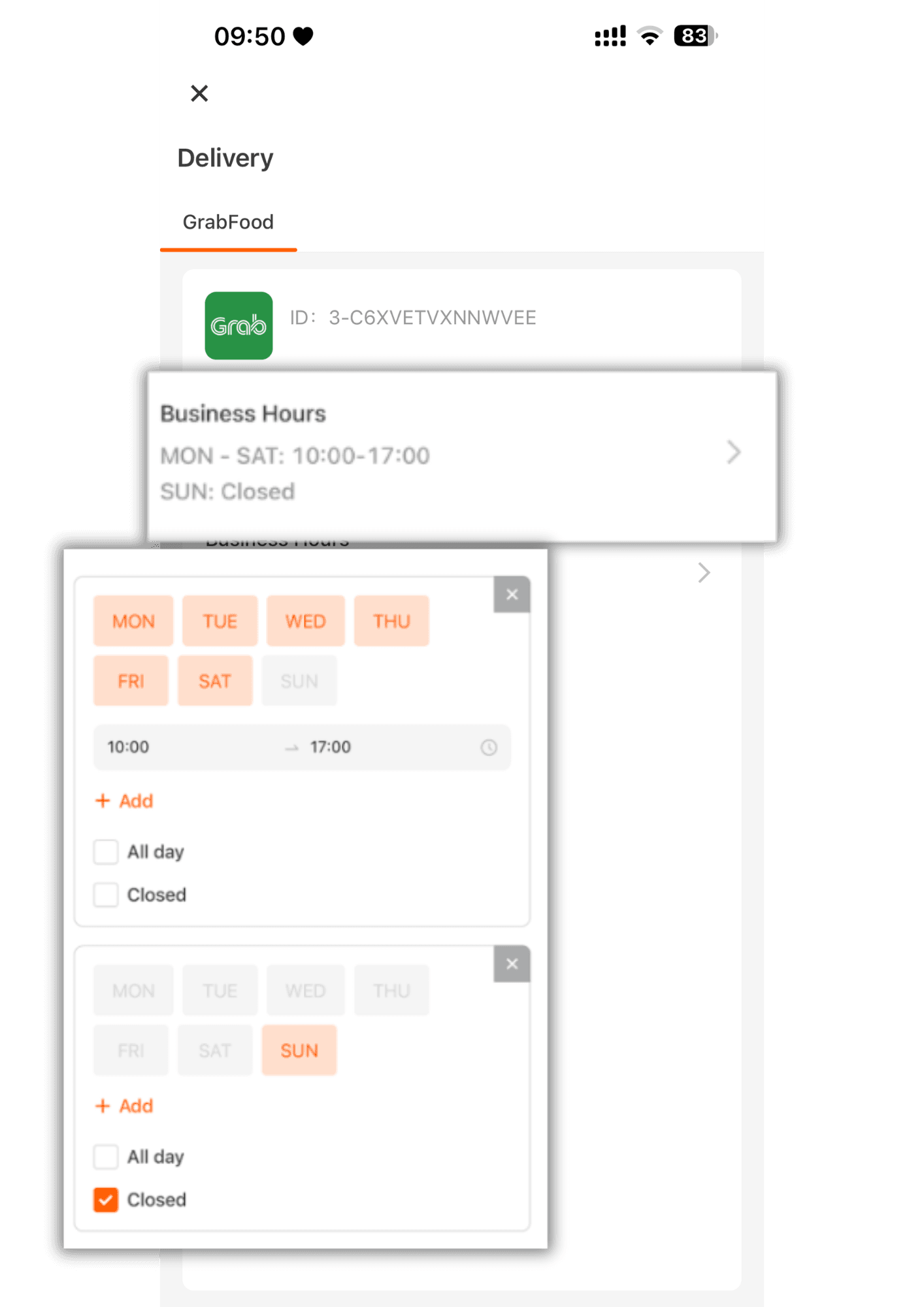
5.Once you have finished setting the store’s opening and closing dates and times, press “Save” from step 4, then click “Confirm” again to verify.