



Steps to Add Combo Items (Manager)
2 May 2026 · 09:10 AM
105 views
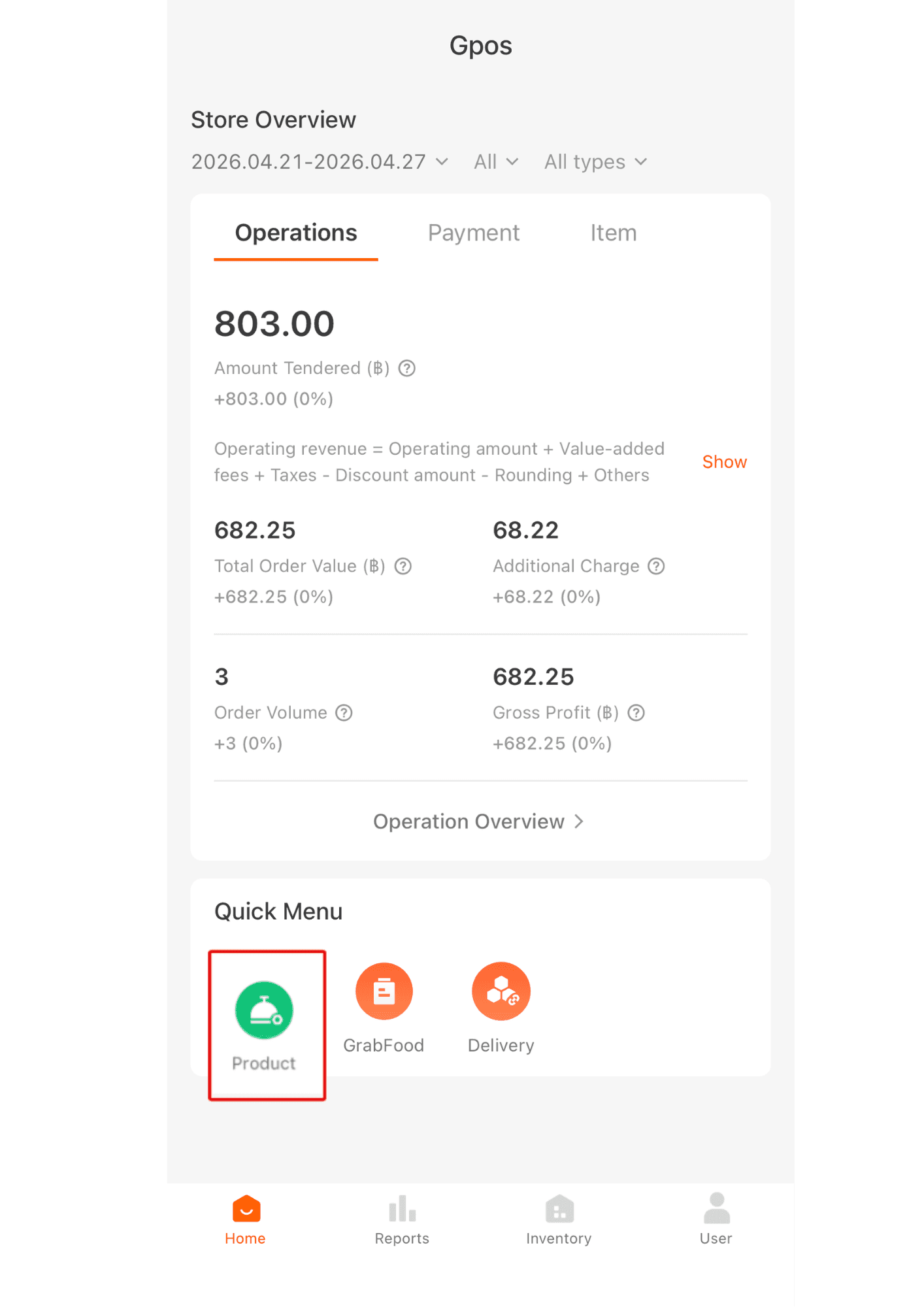
1. Click product.
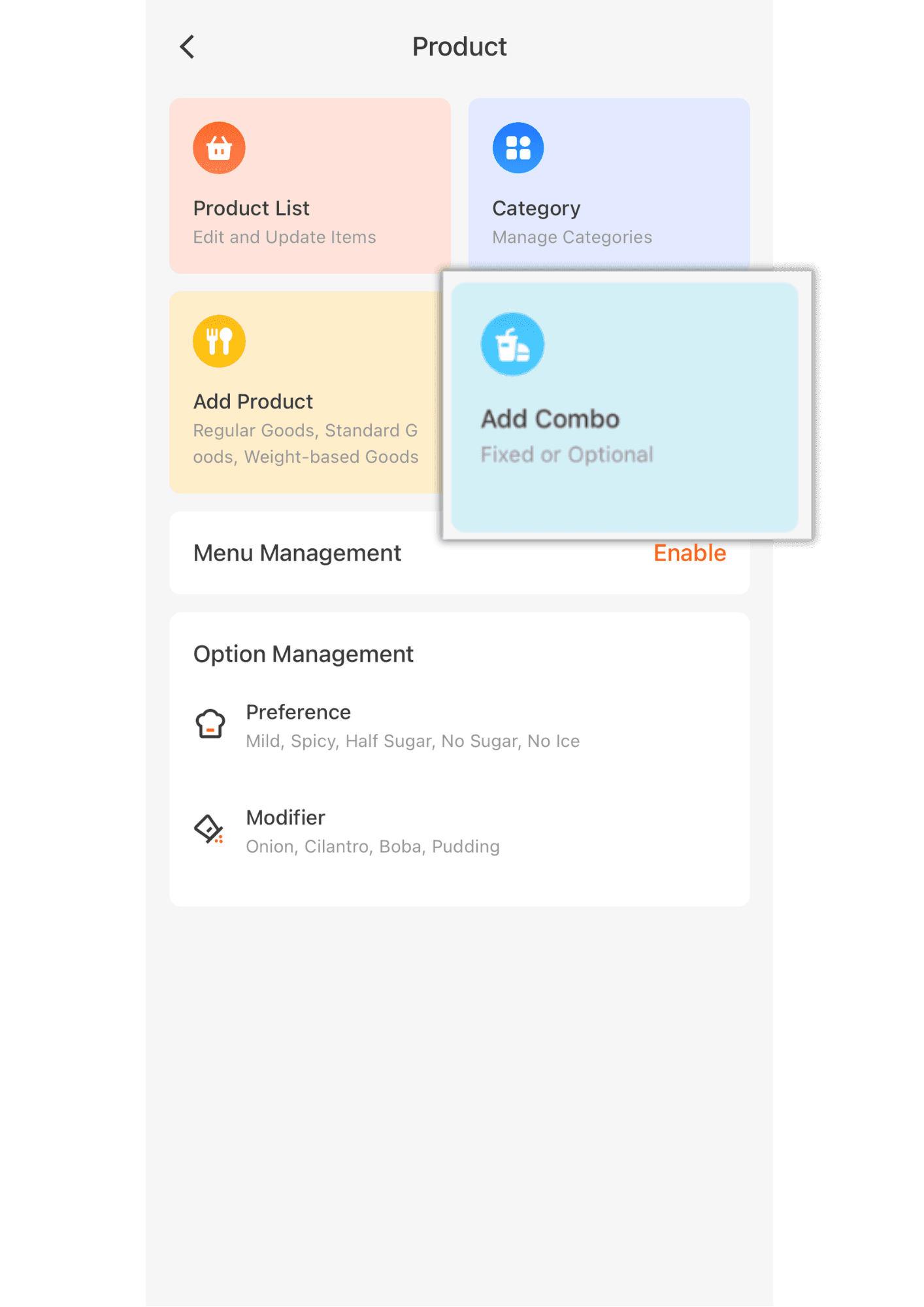
2. Click add combo.
3. Enter the combo details such as name, price, unit of the combo, etc.
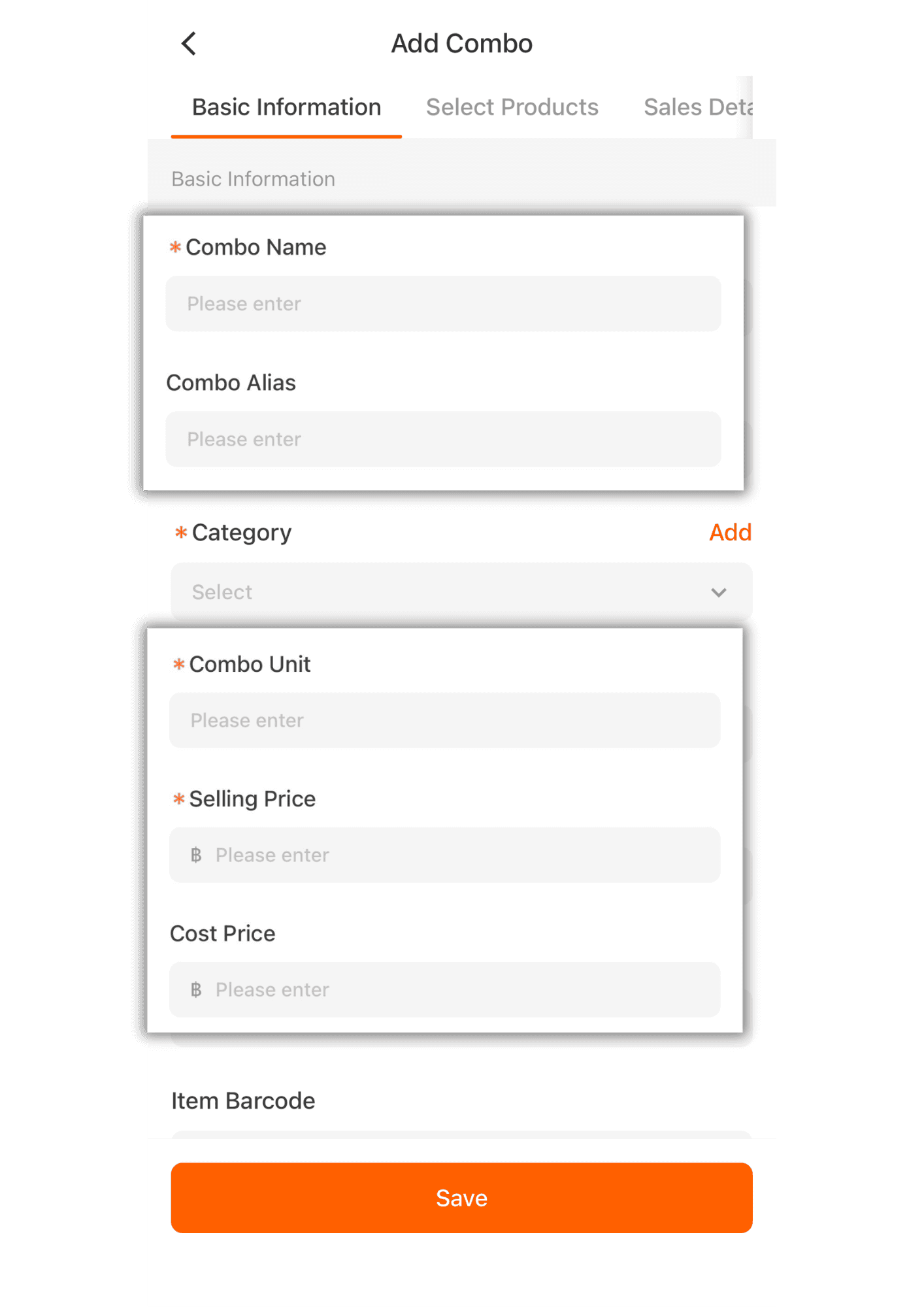
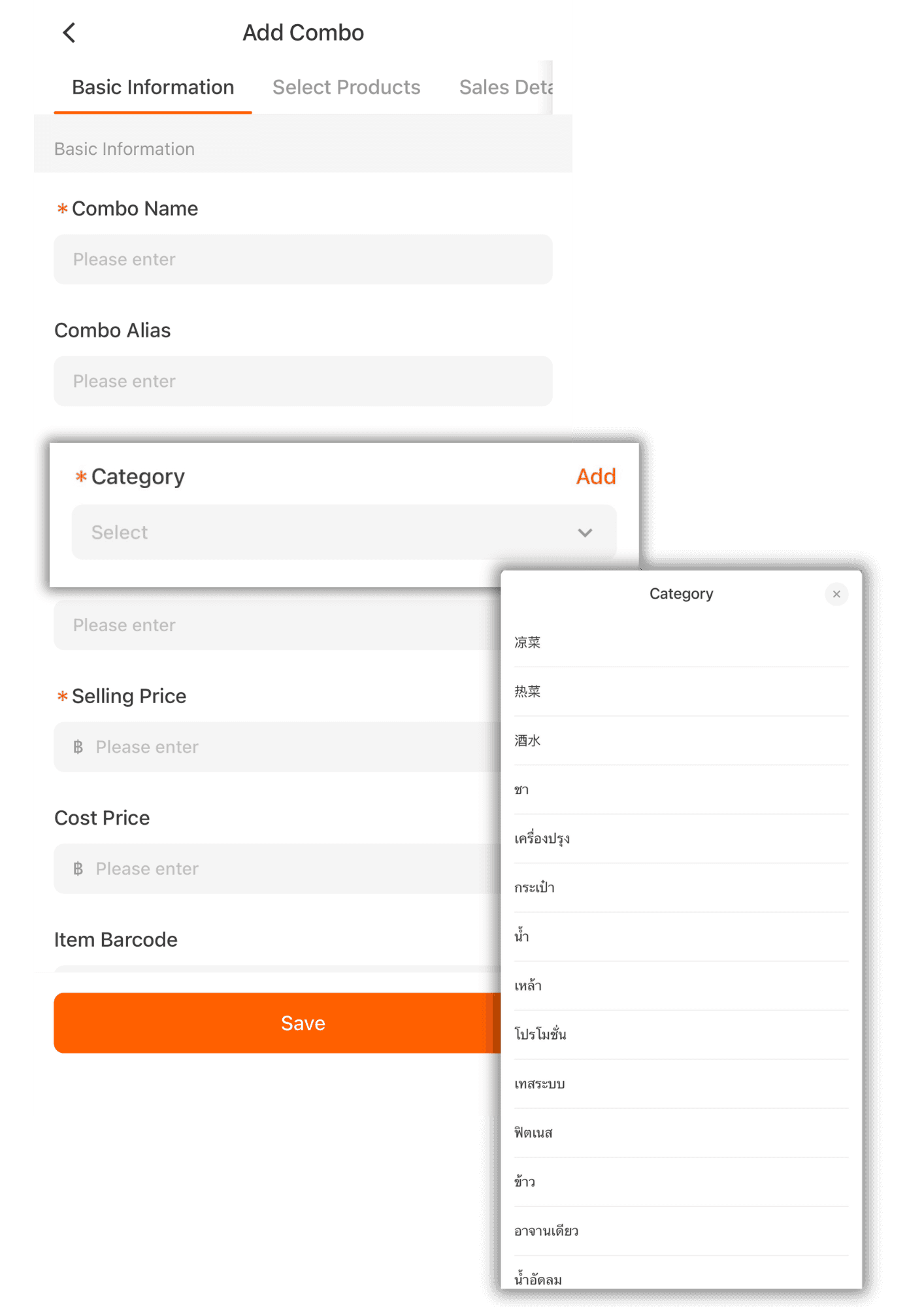
4.Click the V button to select the category that has been created.
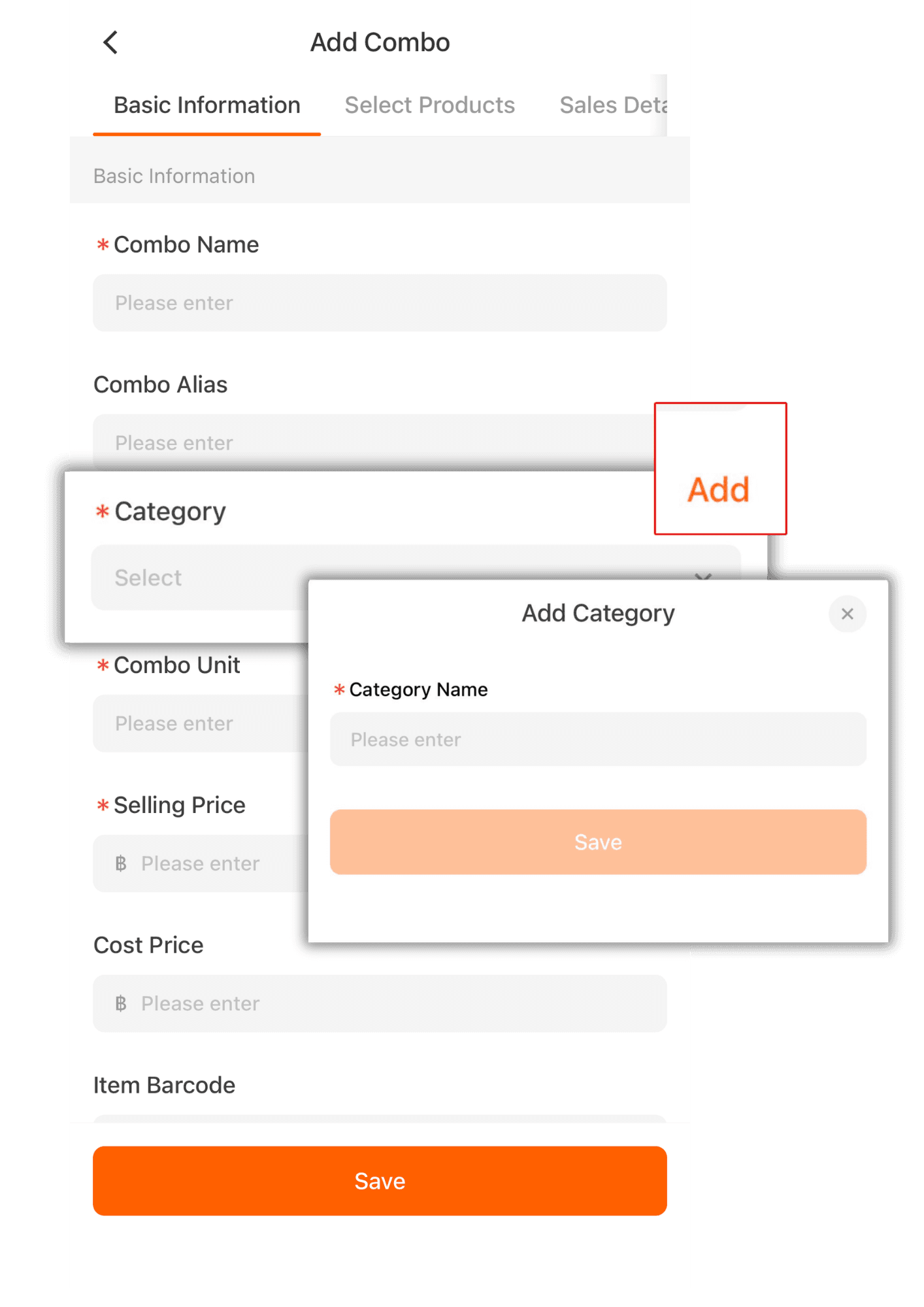
5. For the category, you can click Add to create a new category.
6. It is required to enter the product stock. If your store does not manage stock, we recommend entering 99999.
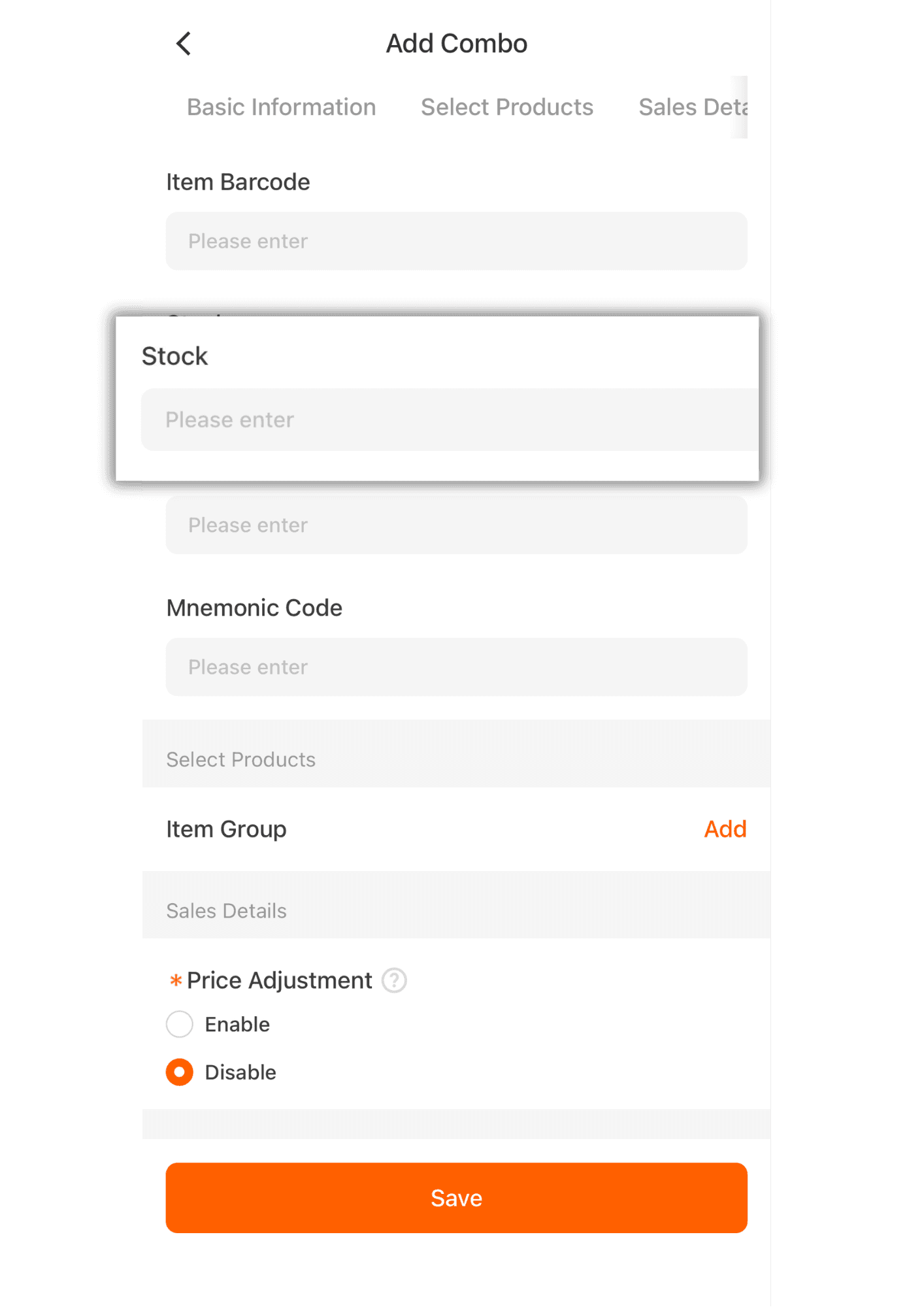
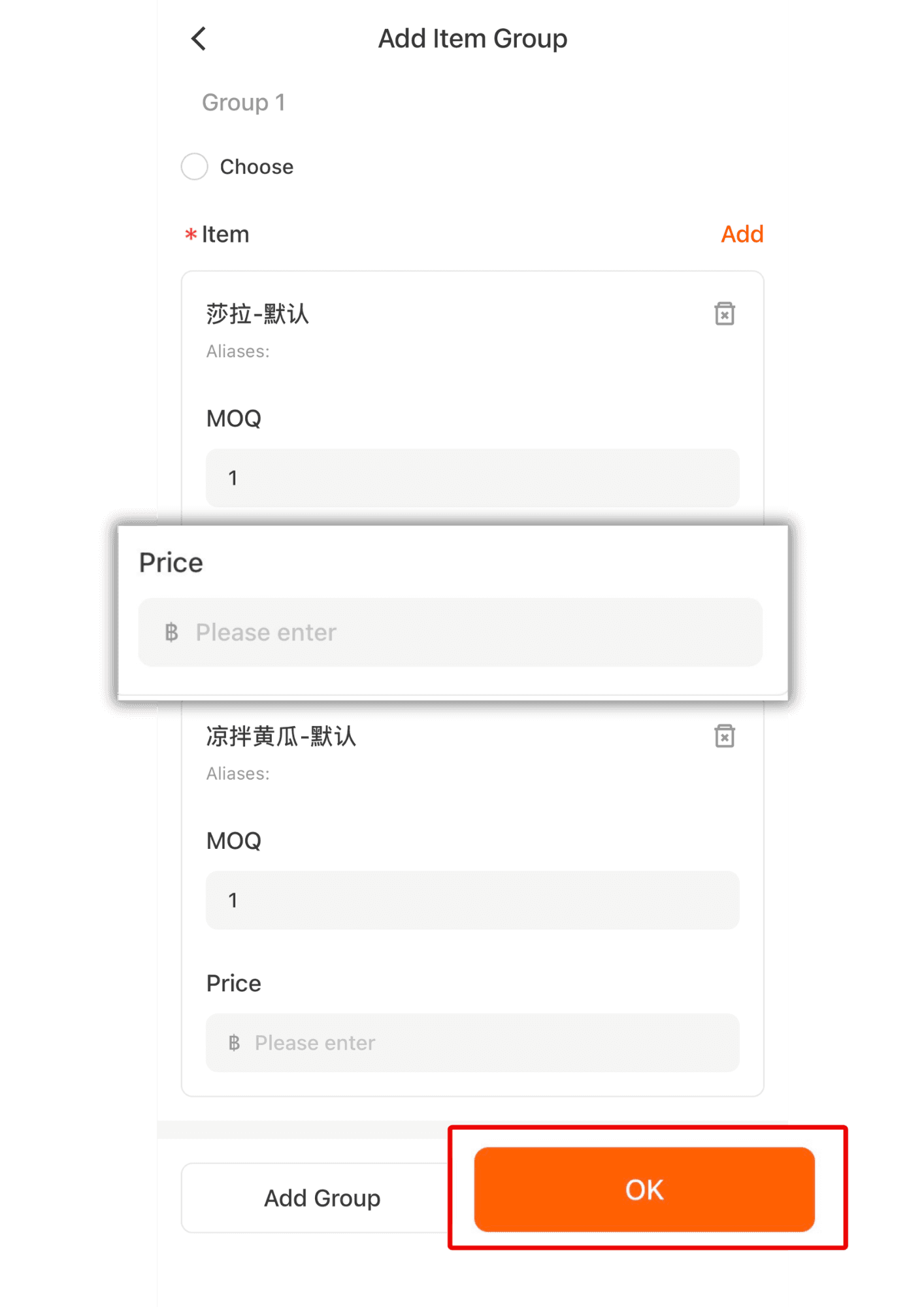
7. Click Add to proceed to the item list page.
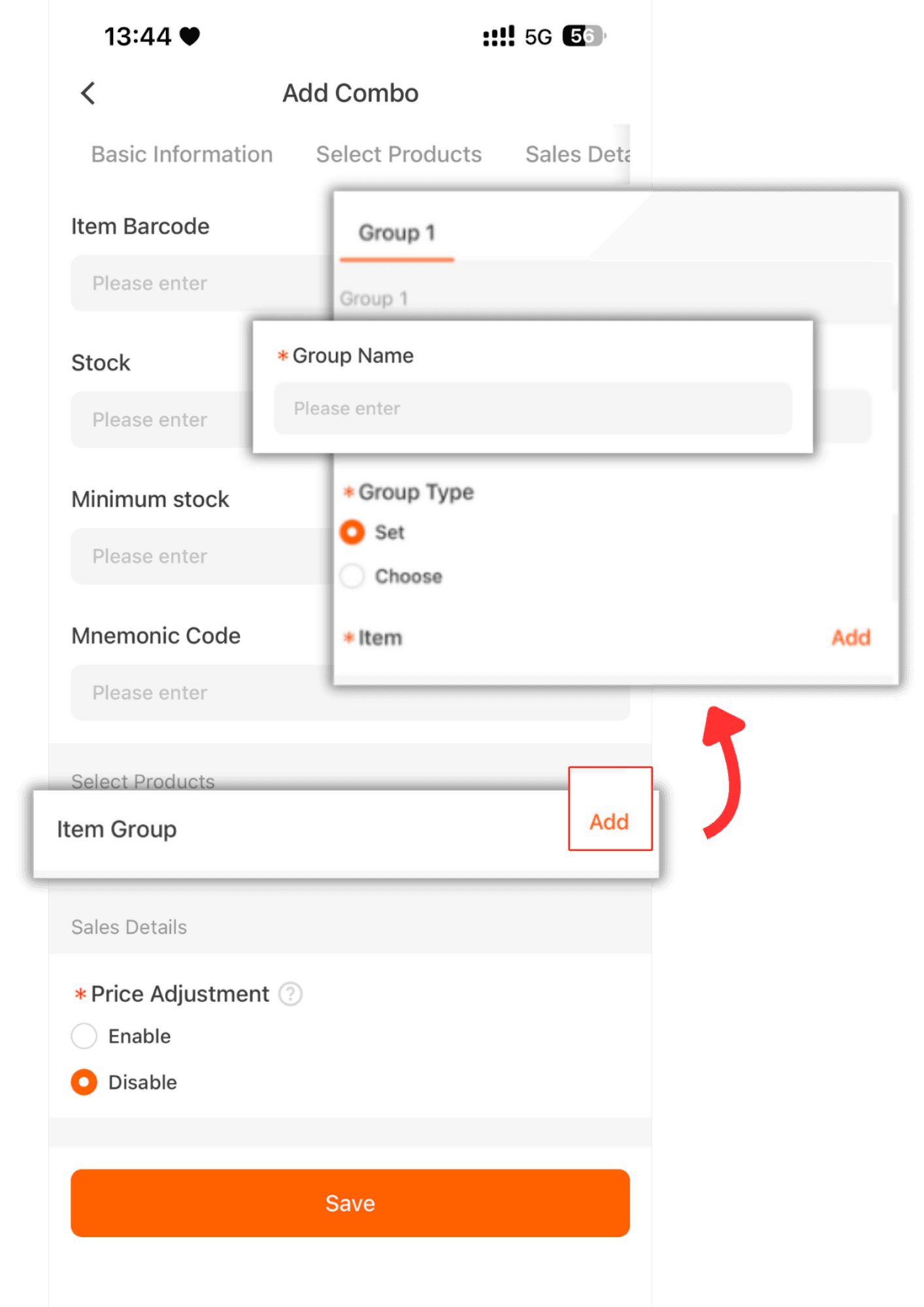
8. Click Add to select items, then click Confirm.
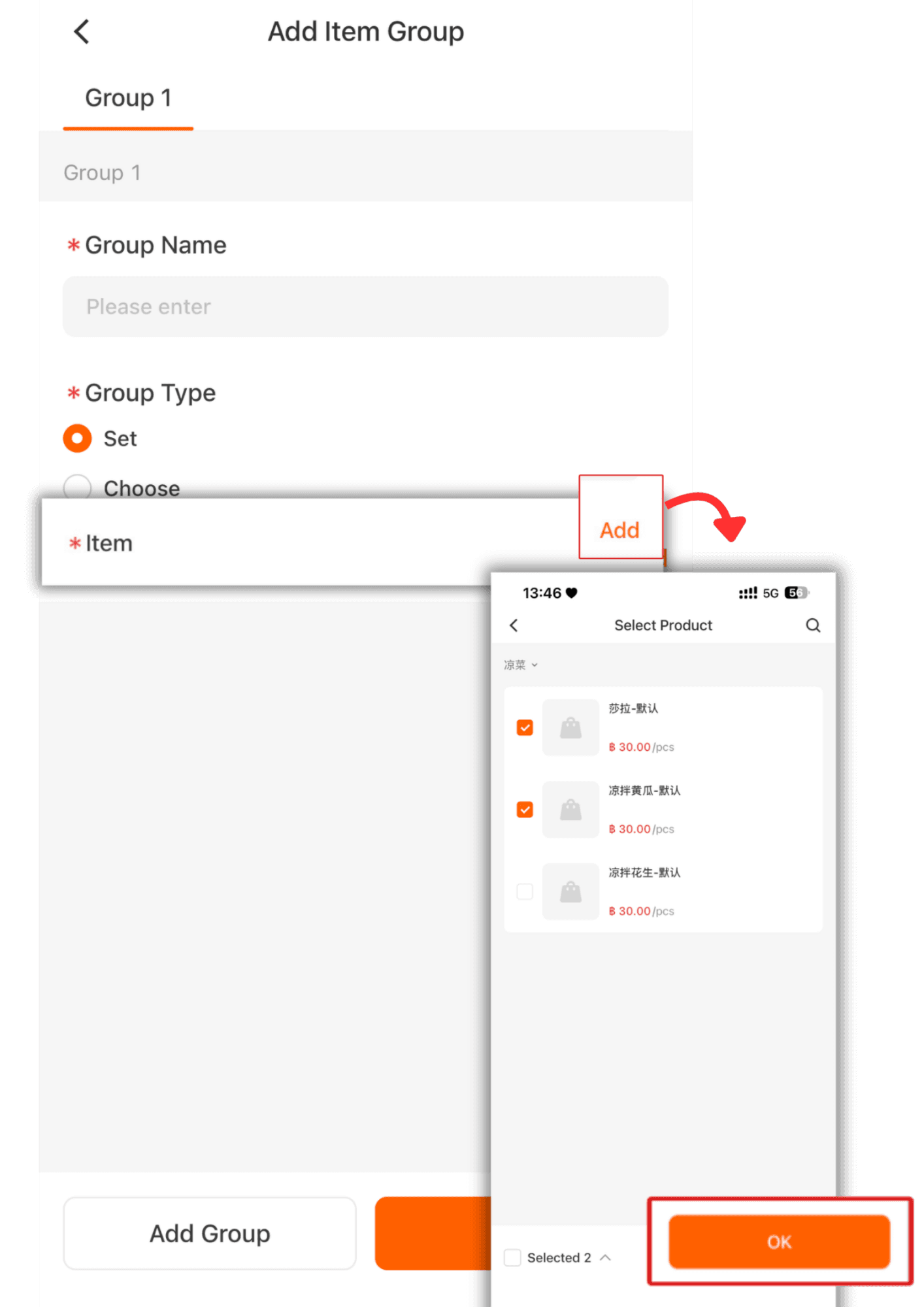
9.If you want to separate item groups, such as a food group, drinks group, etc.
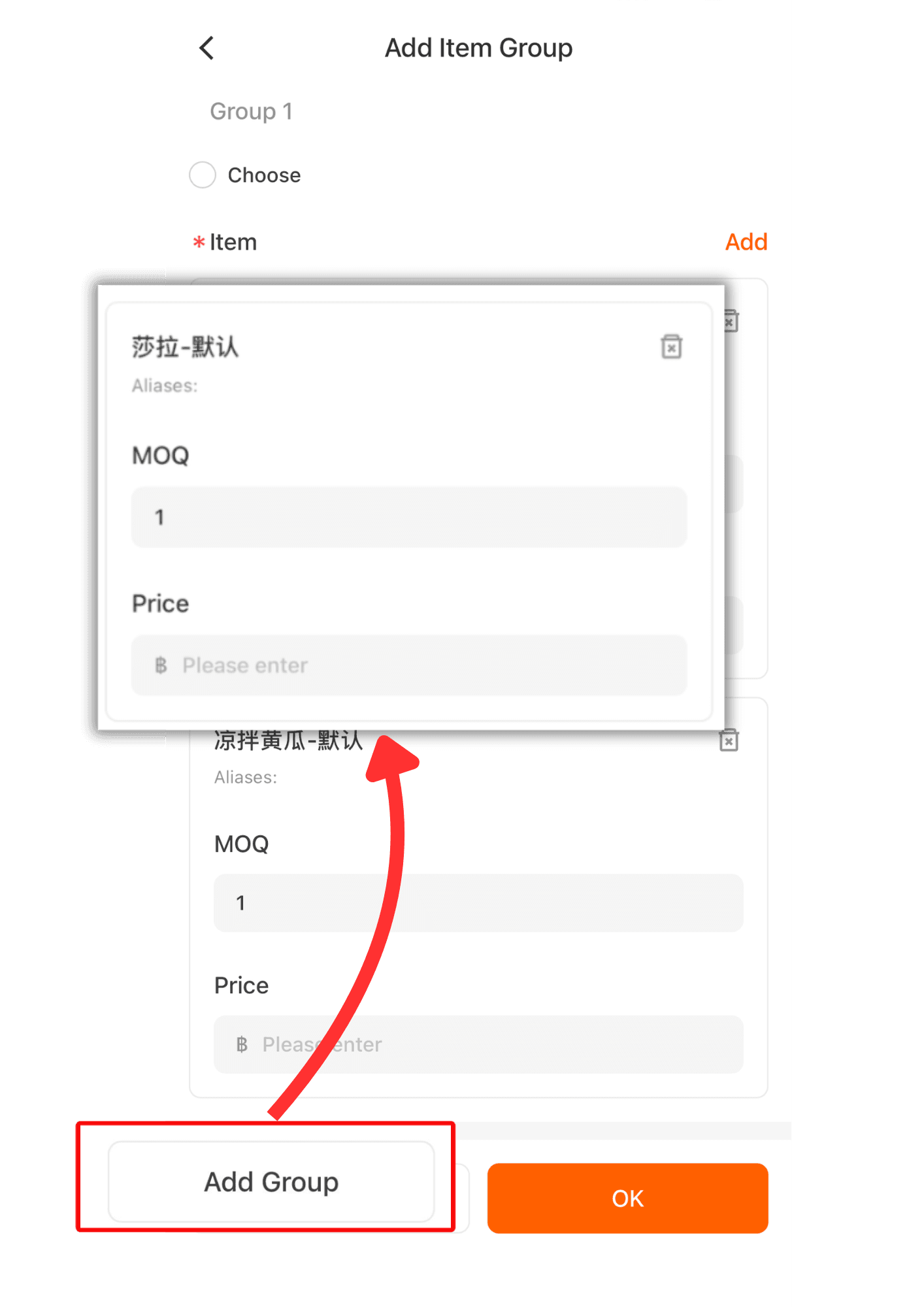
10. If there is an additional price for the item in the combo, you can enter it or leave it blank.