




Reset Staff/Owner PIN
12 May 2026 · 09:39 AM
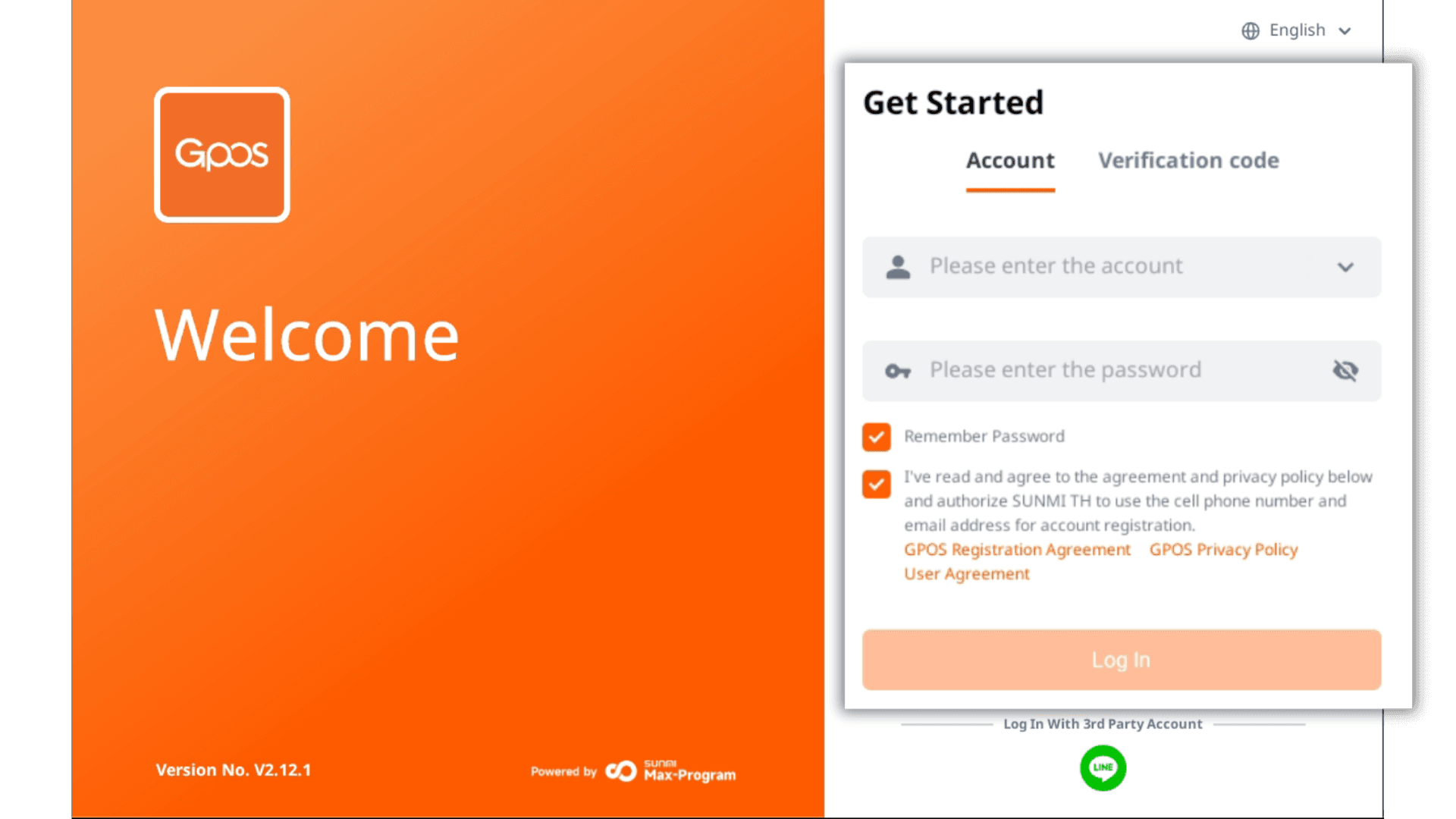
1. Enter the store owner's email and password, tap “Remember Password,” then tap Login.
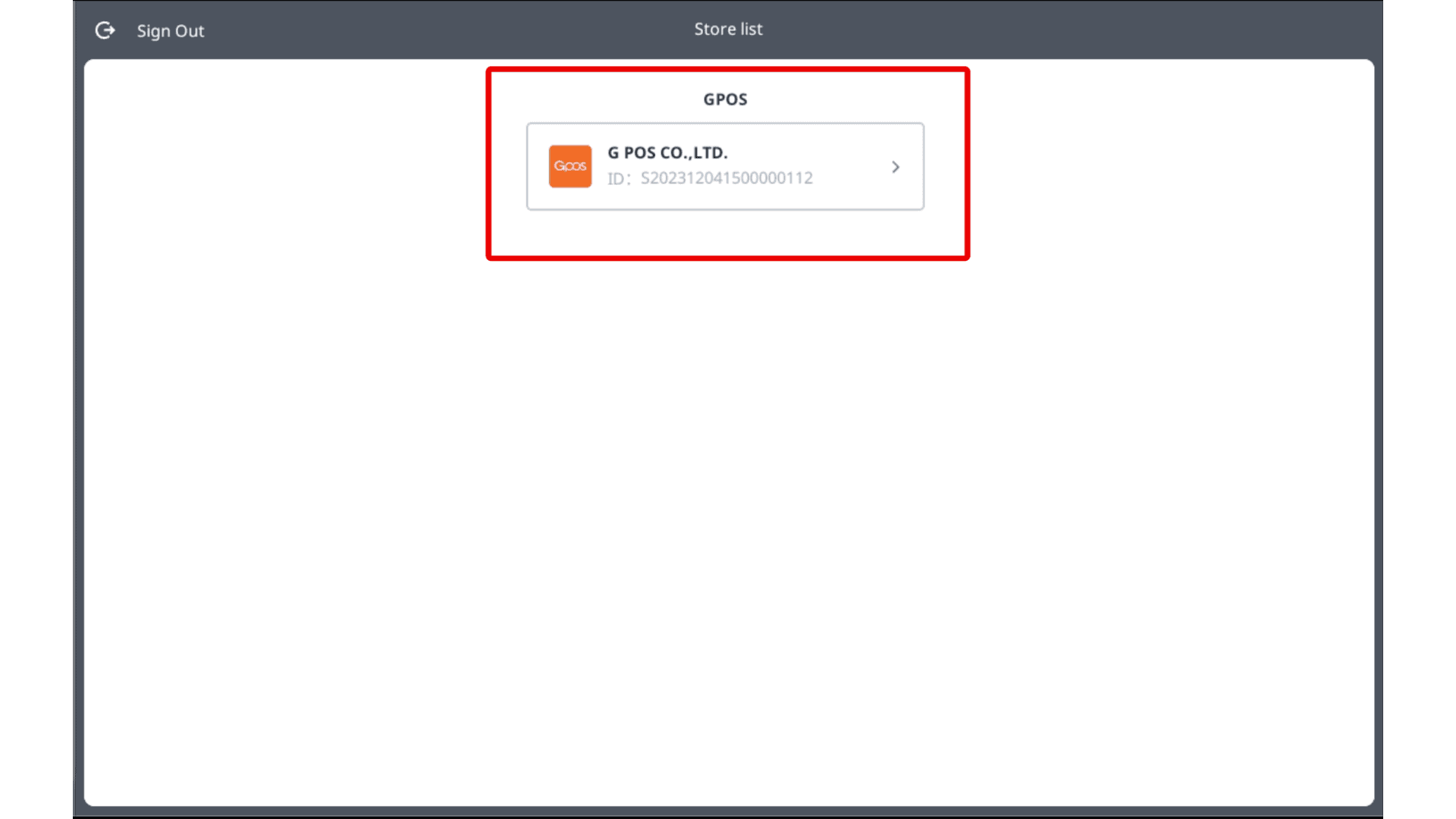
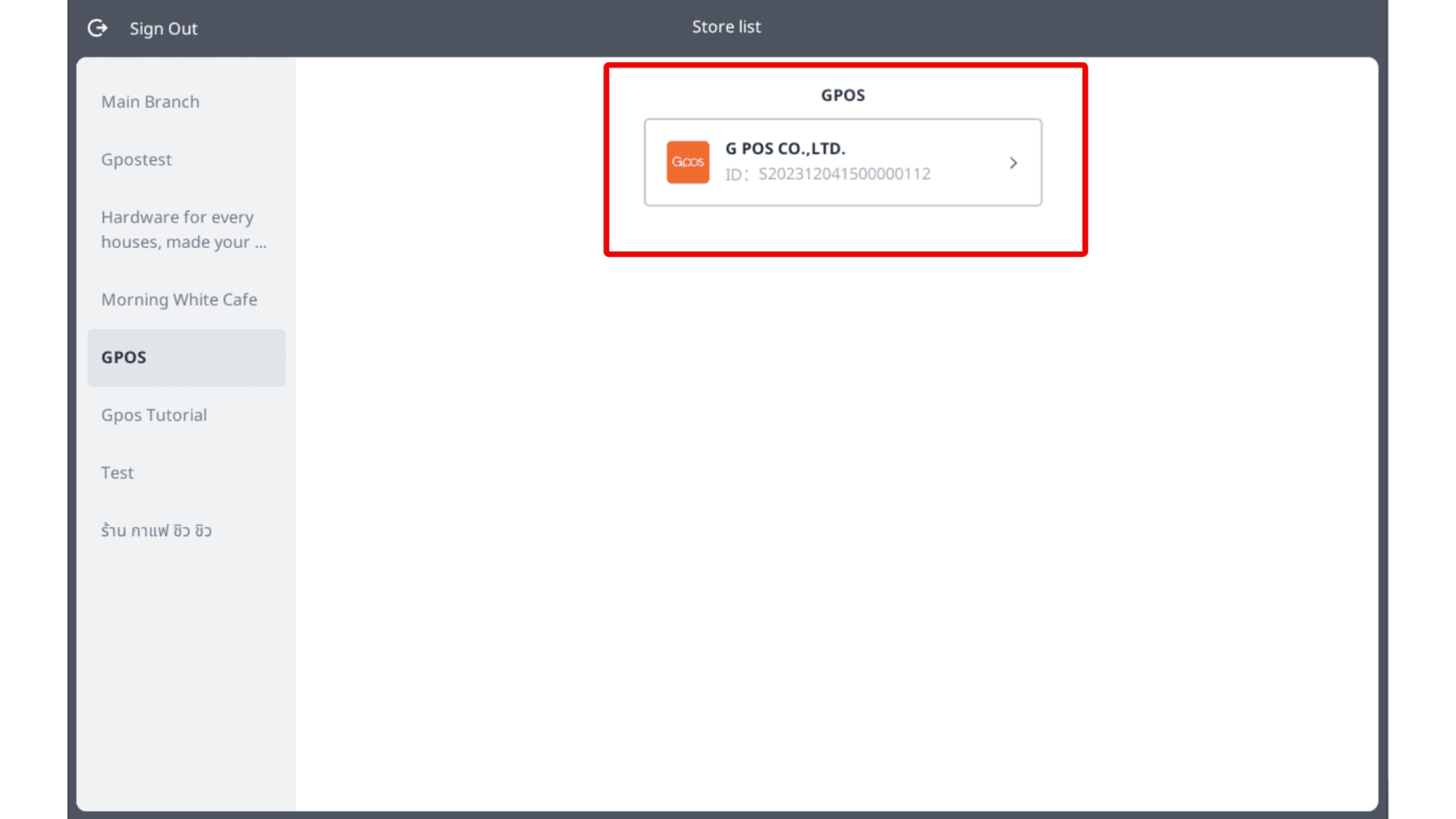
2. Tap to select the store.
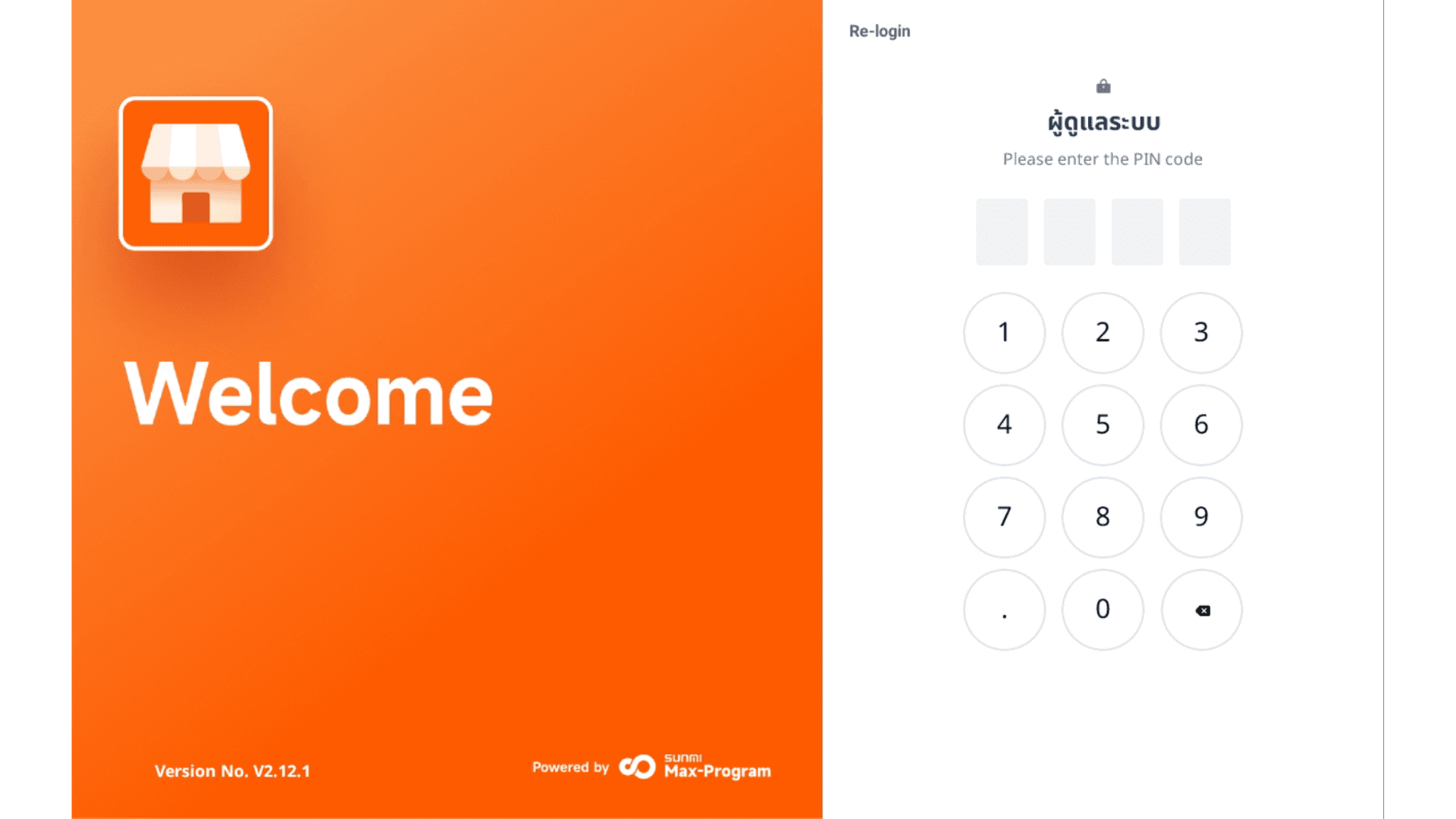
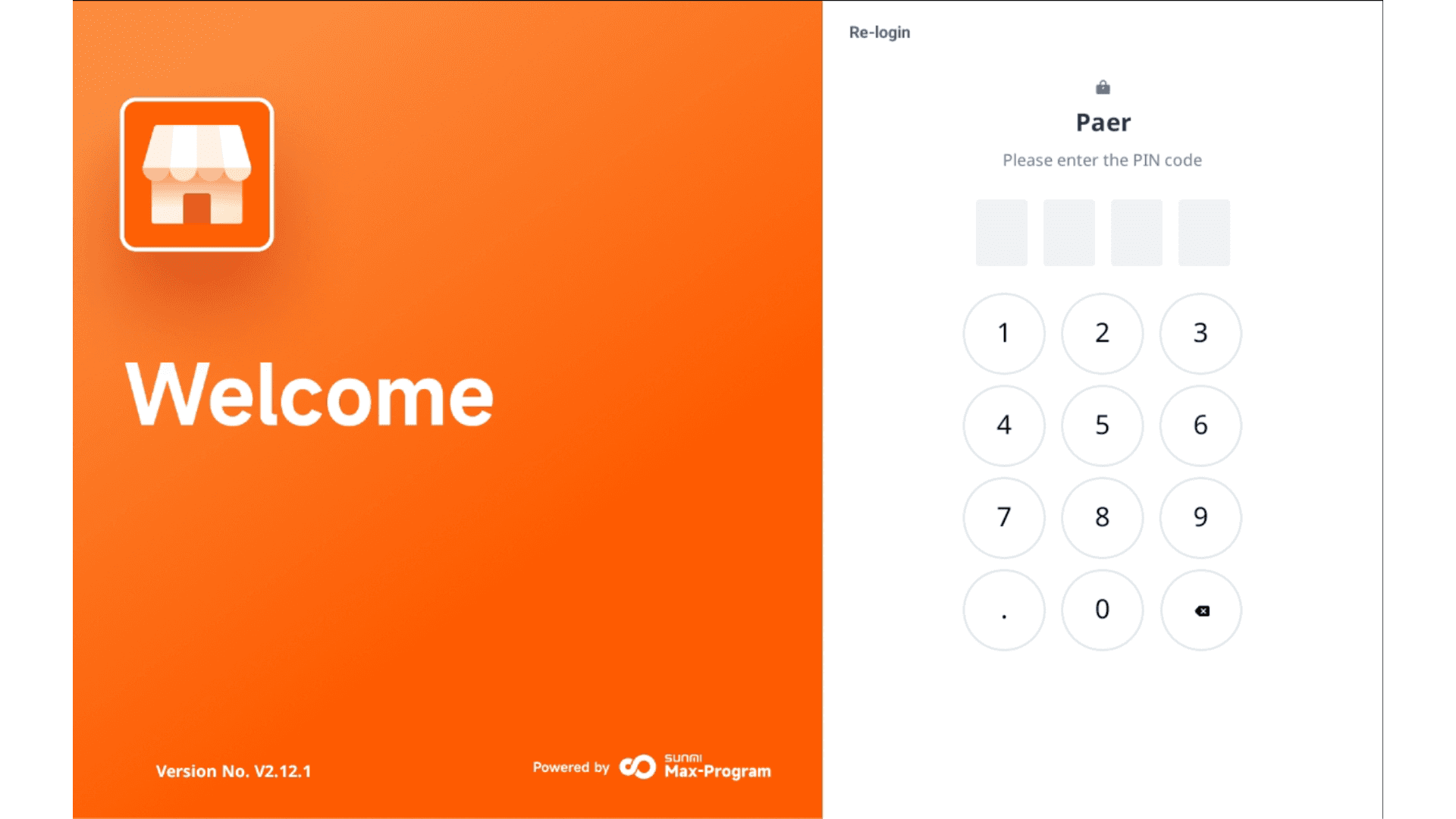
3. Enter the store owner's PIN code that was previously set.
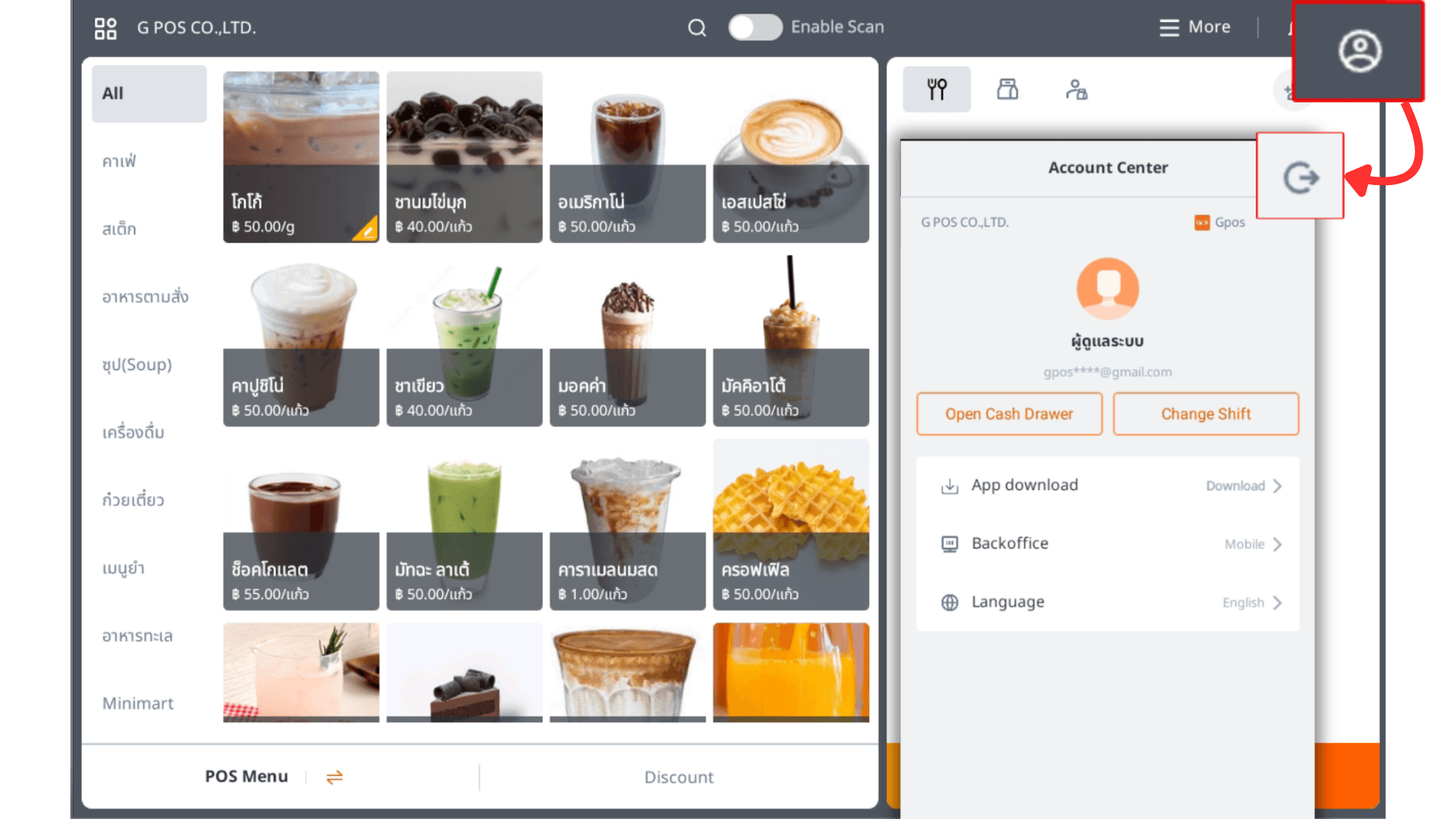
4. After logging in, tap the profile icon at the top right corner, then tap the logout symbol to sign out again.
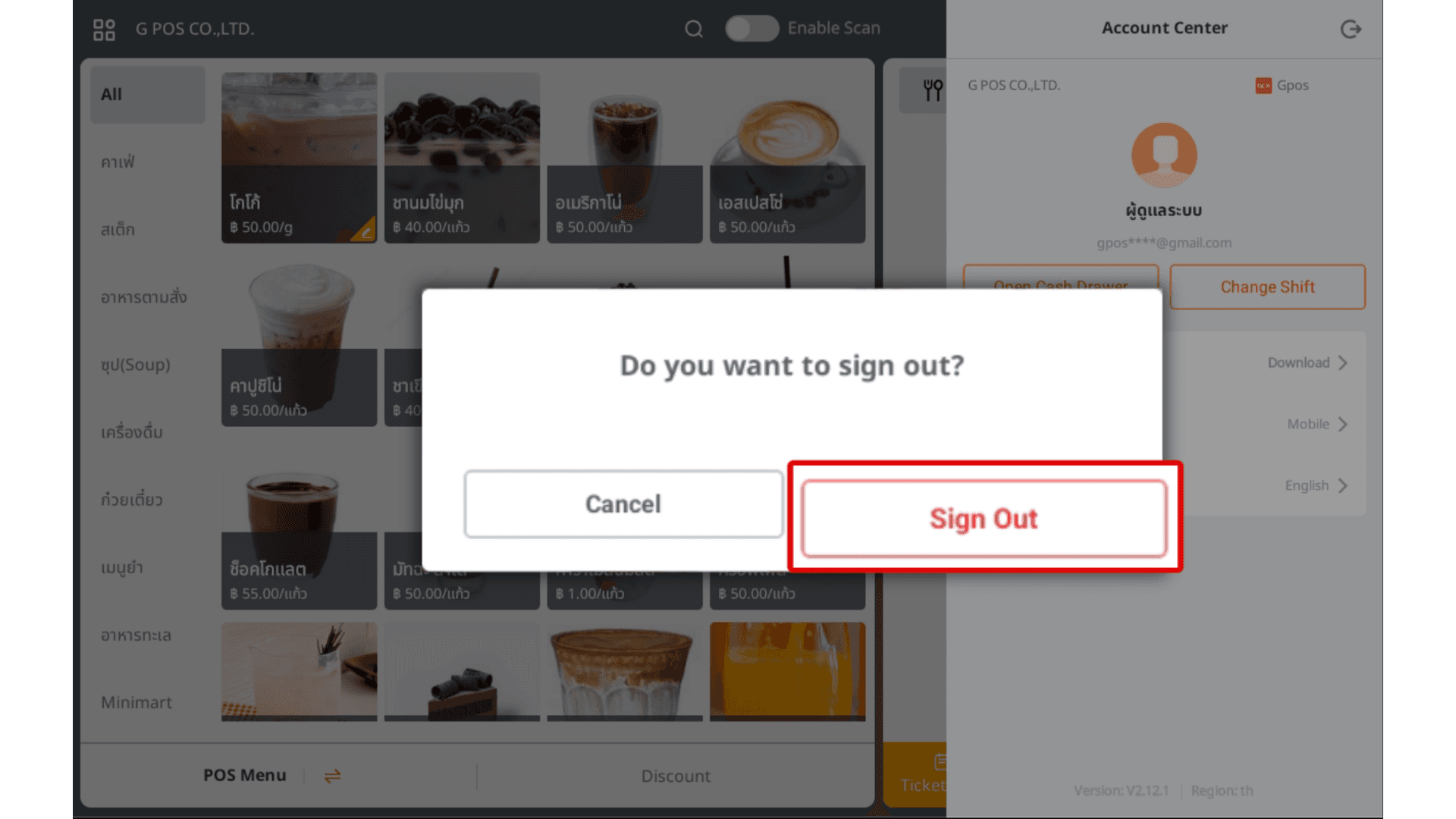
6.Tap Confirm to log out again.
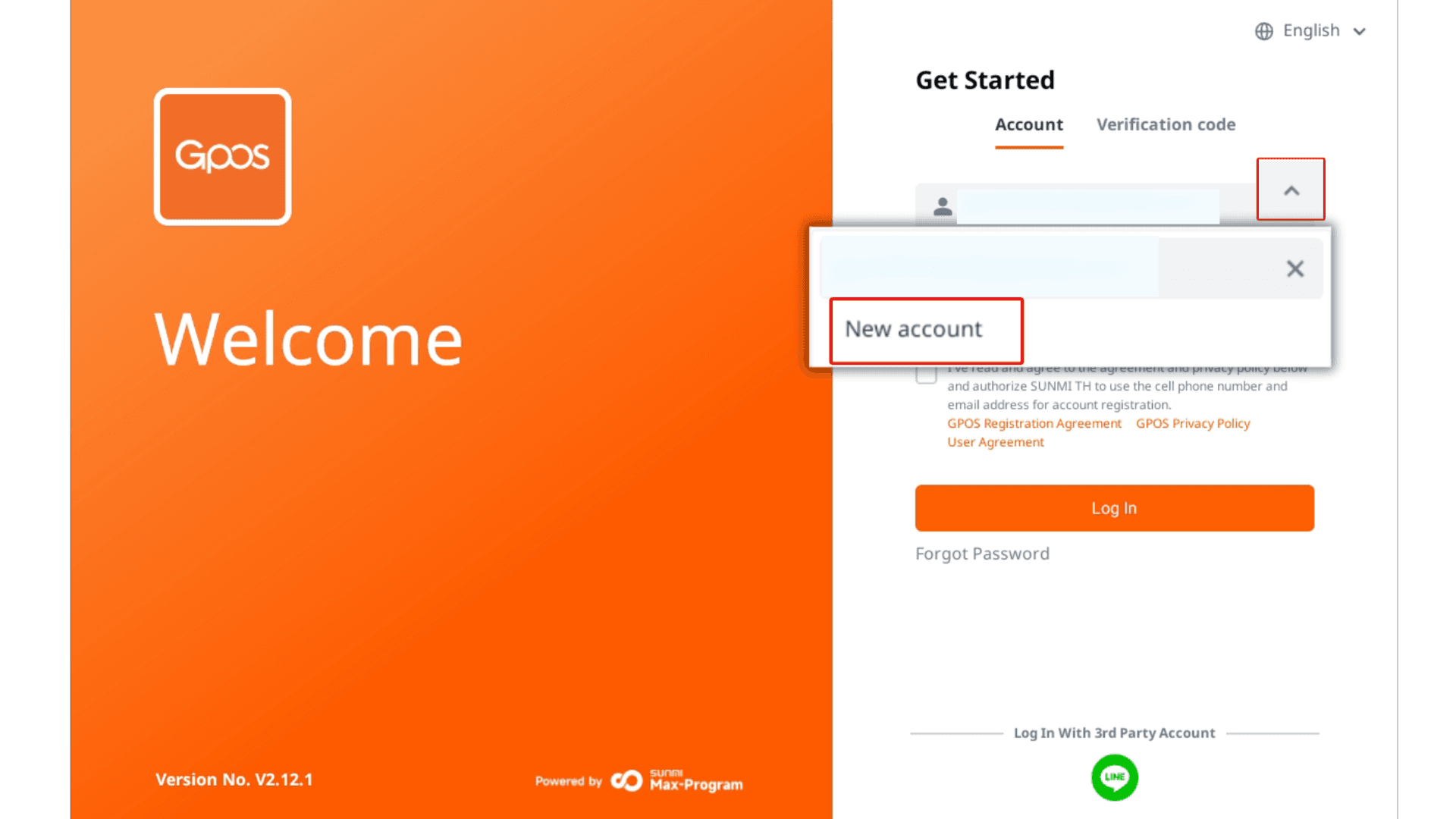
7.Tap the “^” icon to log in to another employee account, then click “New Account.”
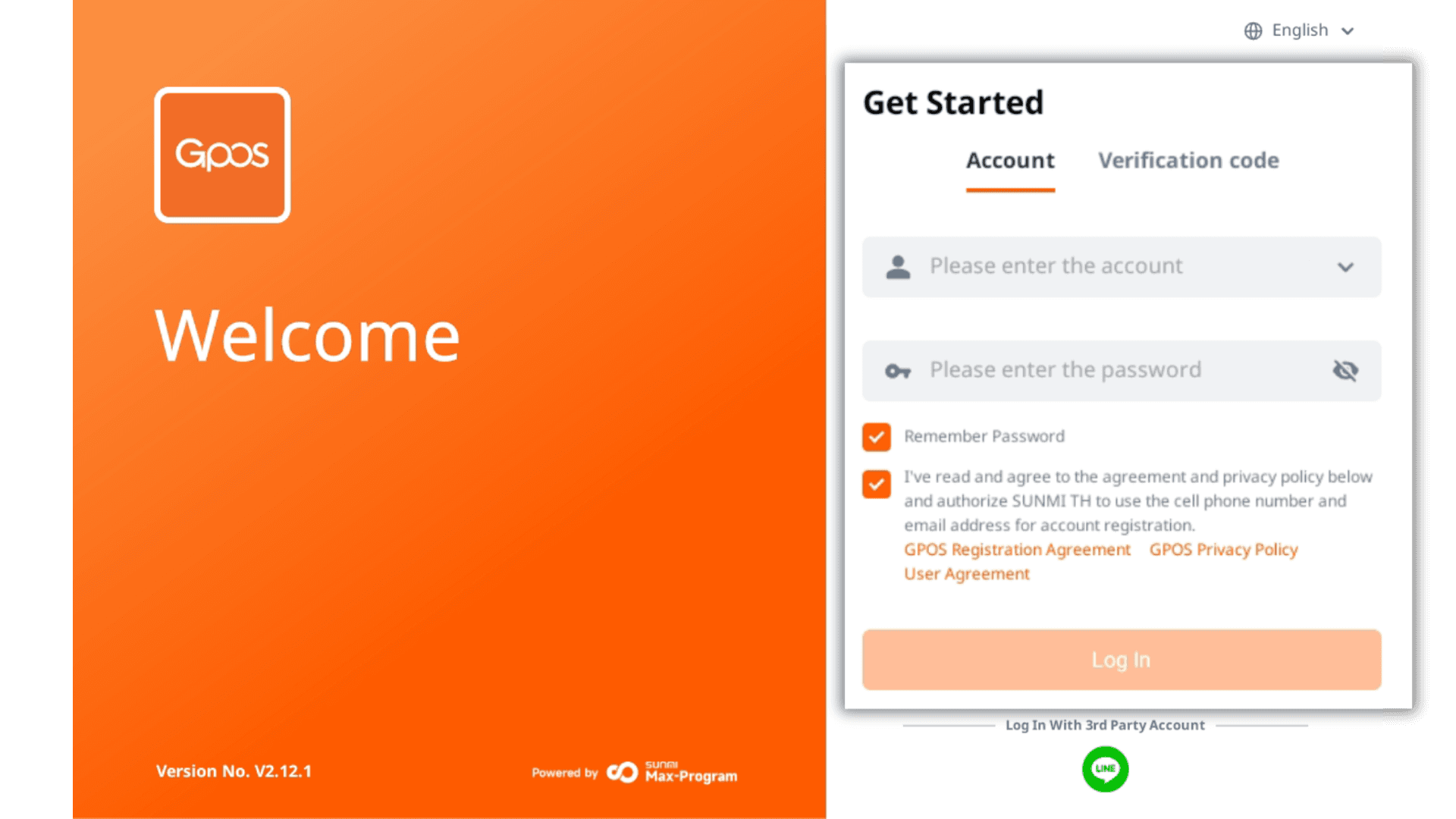
8. Enter the employee email and password, then tap “Remember Password” before logging in.
9. Tap to select the store.
10.Enter the employee PIN code.
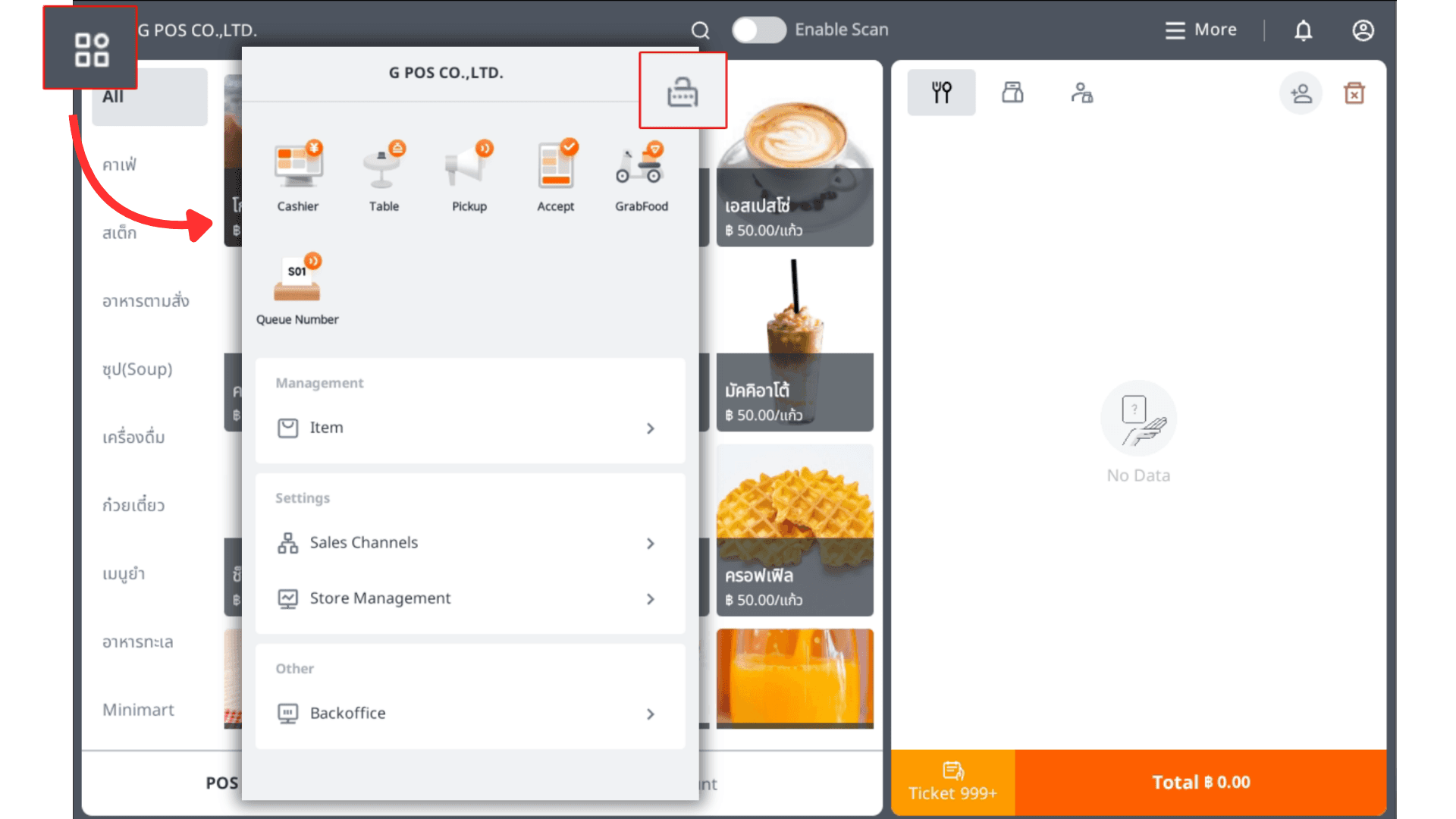
11. Tap the square icon at the top left, then tap the lock icon to switch accounts.
12. Enter the PIN code of the account you want to switch to.
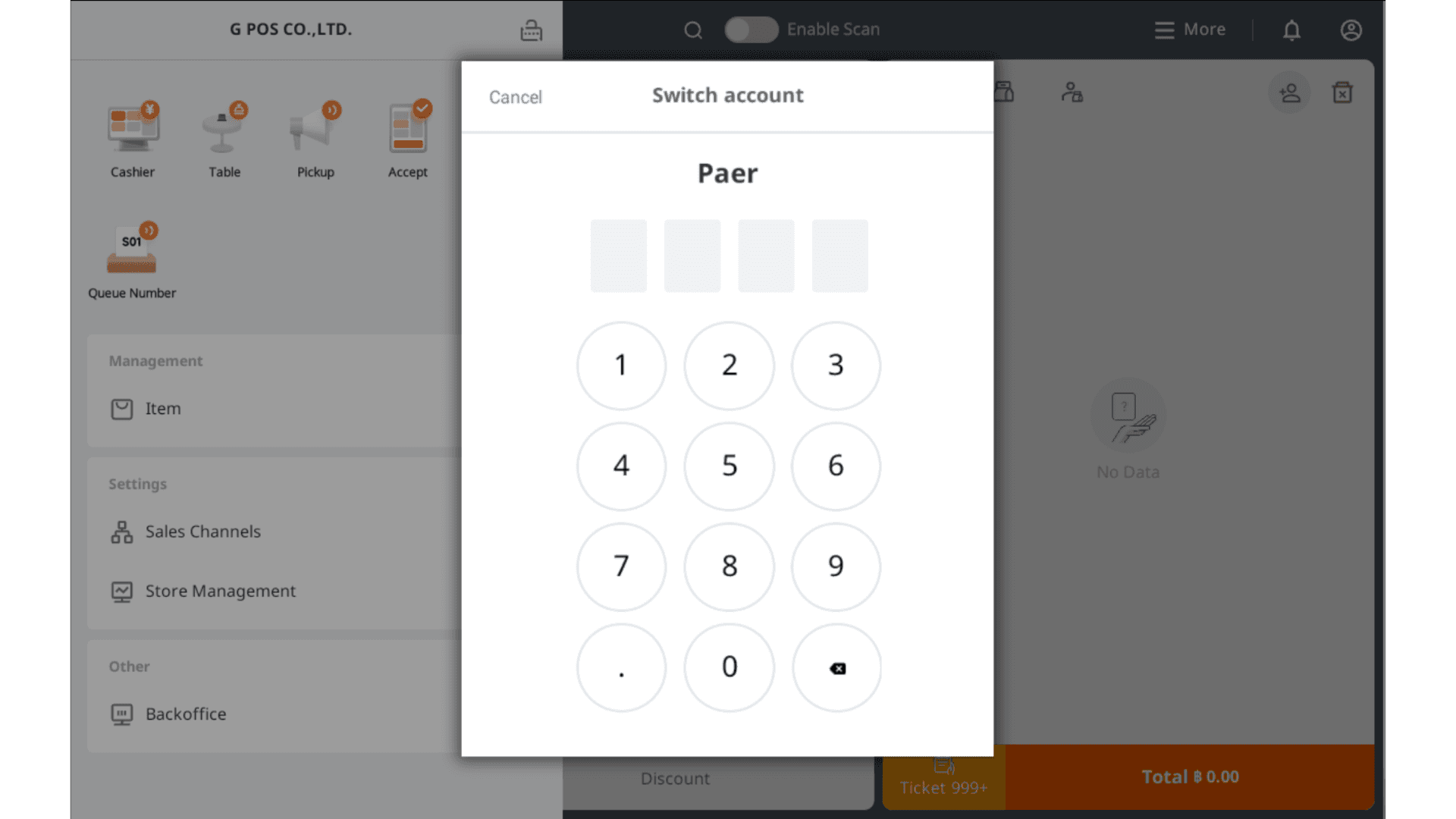
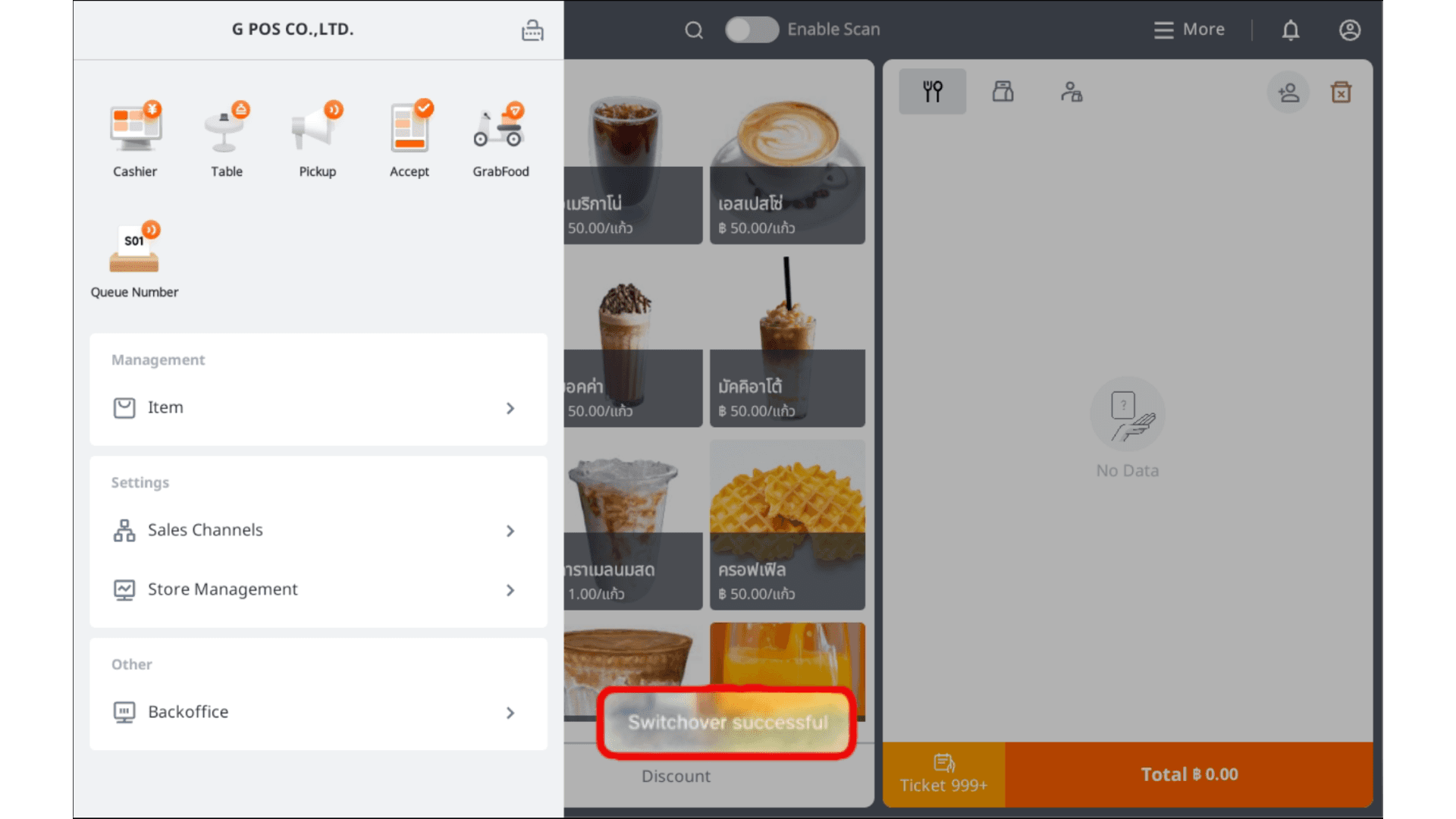
13.After switching accounts, the system will display “Switched successfully.”